

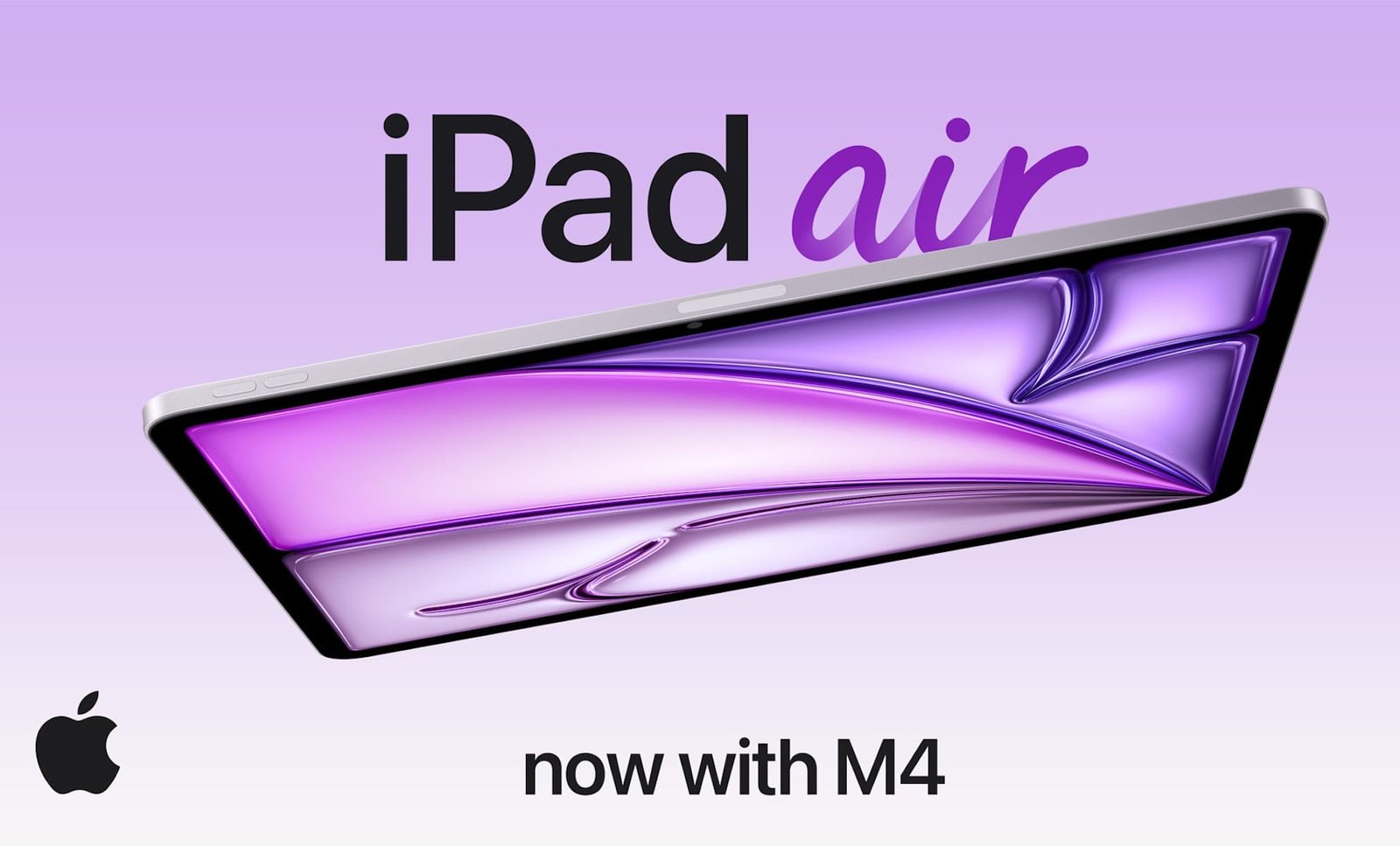
Apple just dropped a new iPad Air—now powered by the brand-new M4 chip. It brings more power and Wi-Fi 7 to the iPad Air at the same price, which is enticing. So I rounded up the best iPad Air accessories in 2026 — the must-have gear that can unlock the power of the new M4-powered iPad Air.
With up to 50% more unified system memory, Apple ensured its 2026 iPad Air could handle heavier multitasking, creative apps, and smoother performance across the board. As someone who loves turning her iPad into a workspace, I’ve found that the right accessories help me make the most of its capabilities.
From boosting productivity to supporting creativity, these accessories transform your iPad Air into a true workstation — not just a tablet.
Best iPad Air Accessories in 2026
Best USB-C Hub for iPad Air
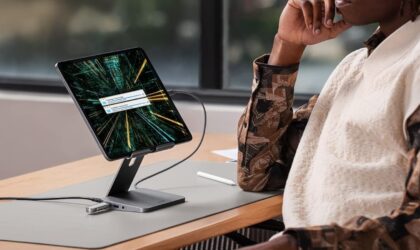
Anker USB-C Hub for iPad
I like this iPad Air stand because it’s both a stand and a hub. So you get flexible positioning plus ports for productivity. It even supports 45W to 100W charging so you can power your iPad while using accessories. And with a 4K @60Hz HDMI output, you can connect to an external monitor. Perfect for video editors, photographers, and remote workers.
An iPad Air Stylus

Apple Pencil Pro
If you’re getting the new iPad Air for draw, Apple Pencil Pro is a must have. It adds gesture controls, pressure sensitivity, and haptic feedback for a natural digital drawing experience. Users say that it feels that like most natural stylus experience for iPad yet. I recommend it for digital artists, designers, and students taking handwritten notes.
My Favorite iPad Air Stand for Work
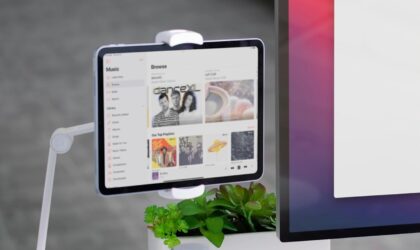
Twelve South HoverBar Duo iPad Stand
This is one of my favorite flexible iPad stands because it adapts to how I work in real time. If I need to adjust my iPad at any moment, I can do so. It comes with a weighted desktop base and a clamp mount, plus a fully adjustable arm that lets you position your iPad up high, low, or anywhere in between. I love it for remote workers, content creators, and people using iPad as a second monitor. Tech reviewers say that it transforms the iPad into a true desktop setup. It works with all iPads.
A Paper-Like Screen Protector
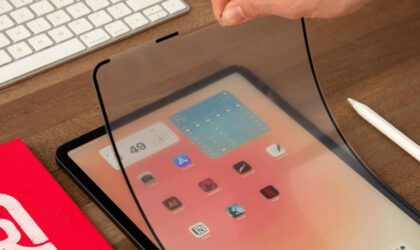
Astropad Rock Paper Pencil v2.0
If you’re like me, you want a tablet that gives you a paper-like drawing feel. The Astropad Rock Paper Pencil v2.0 is the answer. It pairs a matte screen protector with specialized pencil tips, creating writing/drawing experience that feels closer to real paper. It’s great for illustrators, and note-takers who prefer a little resistance while writing. Artists say it dramatically improves control without permanently altering the display.
Best Keyboard for iPad Air M4
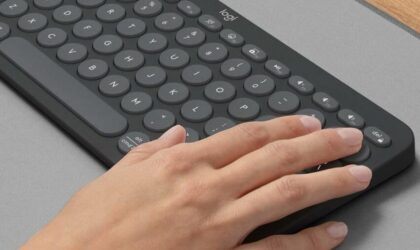
Logitech Pebble Keys 2 K3 Wireless Keyboard
This is one of my favorite lightweight keyboards for the iPad Air. It’s simple, reliable, and actually fun to use. If you want a portable keyboard that works across devices without feeling bulky, this one delivers. I love that it keeps things minimal but adds smart customization — perfect for switching between your iPad, laptop, and even your phone!! It’s my go-to budget keyboard recommendation for iPad Air.
Best Keyboard Case for iPad Air
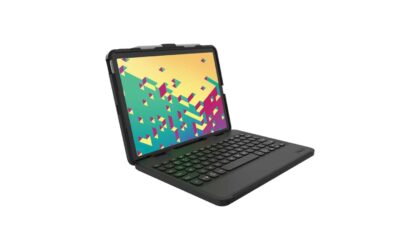
ZAGG Messenger Folio 2 Keyboard Case
This is more of a protective productivity combo. It keeps your iPad upright like a laptop and gives you computer-style typing. I love it for helping me work on my iPad…not always an easy feat. There’s also a built-in Apple Pencil holder, type-C charging, and magnetic closure. Travelers, commuters, and on-the-go workers, this one’s for you!
An iPad Air Stand for Presentations
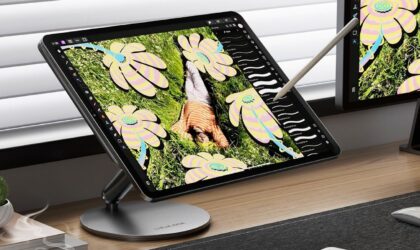
LULULOOK 360°Rotating Laptop Stand
This stand is all about ergonomics and collaboration. The 360° rotating base makes it easy to share your screen or adjust viewing angles during meetings. It also features height adjustment and a handy foldable design. I appreciate the stable, smooth rotation. You can count on it for presentations (like, with clients) and team meetings.
Best Slim Mouse for iPad Air
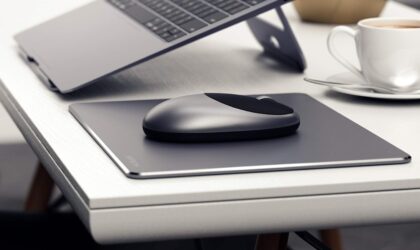
Satechi M1
Turning your iPad Air into a workstation? A mouse makes a bigger difference than people expect. I like the Satechi M1 because it’s simple, sleek, and feels premium without being overcomplicated.The aluminum finish pairs beautifully with the iPad’s design, and the tracking is smooth enough for everything from spreadsheets to light creative work.
A Reliable Power Bank
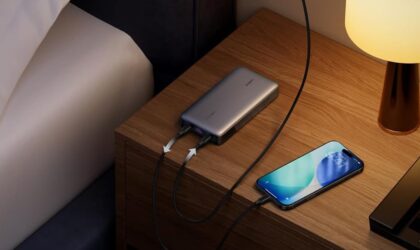
UGREEN Power Bank 25,000mAh
If you travel with your iPad Air, or use it all day away from a desk, this is the kind of power bank that gives you real peace of mind. It’s not just a phone charger. It’s powerful enough to charge laptops, which means your iPad Air barely makes it sweat.What I love most is the 145W output and the digital display. You always know exactly how much power you have left.
iPad Air M4: Best Everyday Sleeve
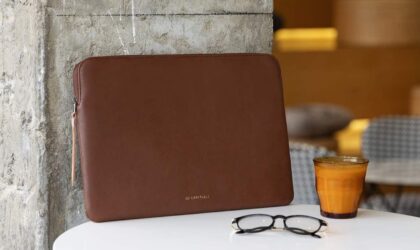
Comfyable Tablet Sleeve iPad Air
If you’re traveling or commuting, protection matters. This sleeve keeps your iPad Air M4 safe while keeping a classic look. I love the soft microfiber lining and shock-absorbing padding—so useful if you have butter fingers like me! I recommend this one for students, travelers, and anyone who carries their iPad in a backpack daily. Customers love that it adds protection without bulk!
Final Thoughts on iPad Air M4 accessories
If you’re upgrading to the new iPad Air with the M4 chip, the right accessories make all the difference. From boosting your productivity to supporting your creativity, these picks turn your iPad into a powerful workstation or creative studio.
Personally, I think the best setup depends on how you use your iPad. But a strong keyboard, reliable protection, and connectivity will unlock its full potential.
Whichever accessories fit your workflow, investing in the right gear means your iPad Air is truly more than just a tablet.
Lauren has been writing and editing since 2008. She loves working with text and helping writers find their voice. When she’s not typing away at her computer, she cooks and travels with her husband and two daughters.
