

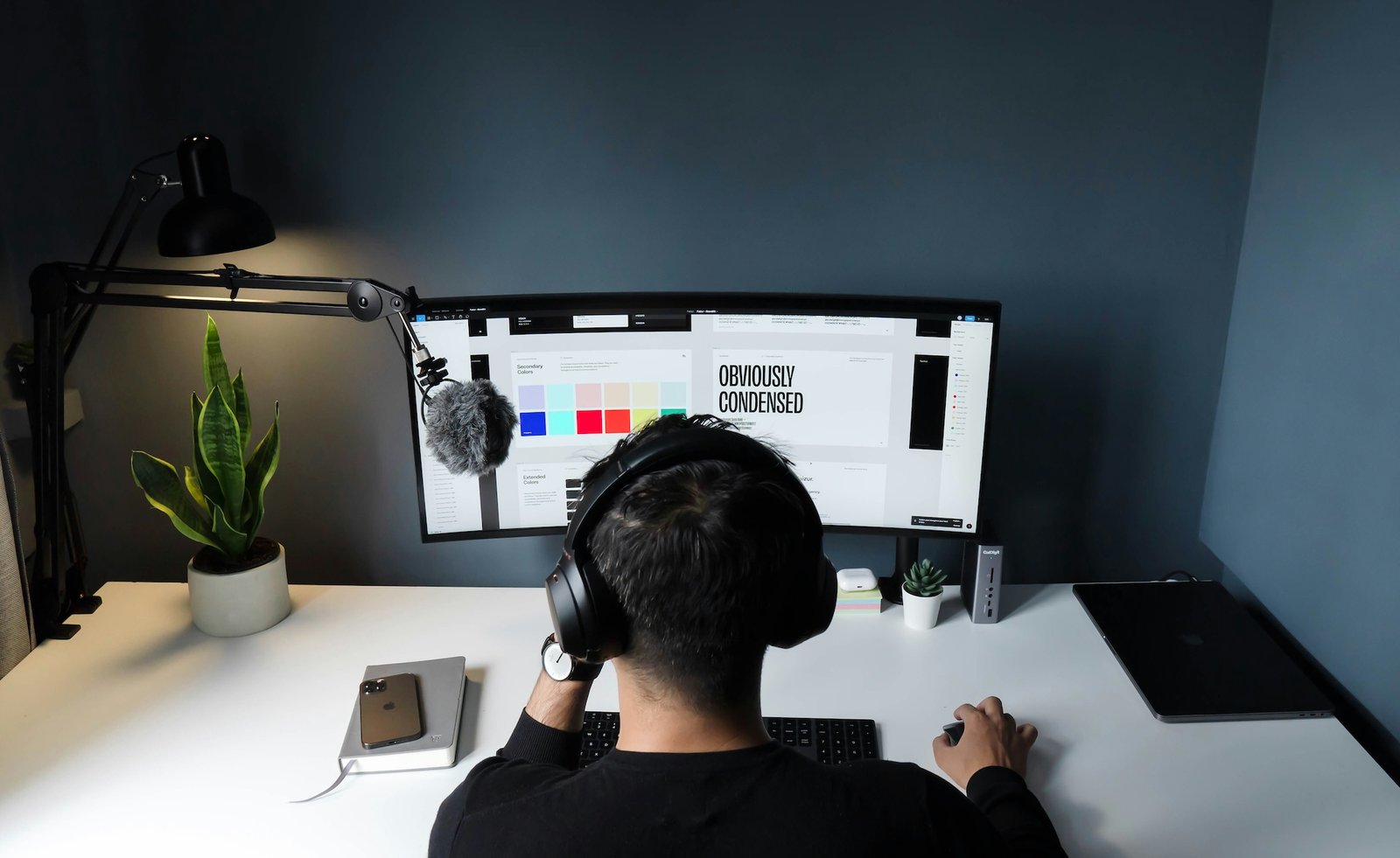
If your desk looks clean but your digital workspace feels chaotic, you’re not alone.
Today’s freelancers don’t just use tools—we live inside them. From laptops and tablets to AI apps, browsers, and cloud platforms, the modern workflow is powered by tech. But here’s the catch: more tech doesn’t always mean better productivity.
In fact, juggling 12–25 apps daily can quietly drain your time, focus, and income.
And if your inbox is already spiraling out of control, start there—to end the madness, read this guide on preventing inbox information overload and put its tips to work. The fix isn’t another shiny tool. It’s using your existing tech more intentionally—and cutting what you don’t need.
Here’s how to streamline your digital workday the Gadget Flow way.
Your email app is probably the most-used “work gadget” you own—whether it’s on your laptop, phone, or smartwatch. But instead of helping, it often becomes a constant source of distraction.
Unread emails don’t just sit there—they create mental friction.
Upgrade your email workflow:
- Use smart filters and priority inbox features
- Sync across devices but limit notifications to essentials
- Unsubscribe aggressively (yes, even that one “useful” newsletter)
- Use tools like email summarizers or AI assistants to skim faster
Think of your inbox like a dashboard—not a dumping ground. Clean inputs = better decisions.
Freelancers love experimenting with new apps, SaaS tools, and productivity gadgets. But stacking too many platforms is like opening 20 browser tabs—you lose speed.
Your goal? A minimal, powerful tech stack.
Audit your setup like a pro:
- List your daily tools (project management, communication, writing, storage)
- Identify overlaps—many apps now bundle multiple features
- Consolidate into all-in-one platforms where possible
For example, a single workspace app can often replace:
- Notes apps
- Task managers
- Collaboration tools
The best setup isn’t the most advanced—it’s the one you don’t have to think about.
3. Cut Costs by Choosing Smarter Tech (Not Just Cheaper)
Subscriptions are the hidden tax of modern freelancing.
From design software to cloud storage to AI tools, your monthly expenses can spiral fast—especially when every platform pushes a premium upgrade.
Instead of blindly paying, optimize your tech spending.
Smart moves:
- Swap heavy software for lightweight or free alternatives
- Use web-based tools instead of installing multiple apps
- Reassess premium plans—are you actually using those features?
- Bundle services when possible (some tools now combine multiple functions)
Also, don’t forget your infrastructure:
- Review your internet plan
- Compare VPN or security tool pricing
For starters, look at this writeup on some common free or low-cost productivity tools. As for your other office necessities, take a moment to shop around for a cheaper internet service provider and evaluate these VPN pricing options to see if you can find opportunities for savings.
The goal isn’t “cheap”—it’s high value per tool.
4. Upgrade Your Browser into a Focus Machine
Your browser is your real workspace now. It’s where everything happens—emails, docs, meetings, research.
But it’s also engineered to distract you.
Instead of fighting it, customize it like a productivity gadget.
Make your browser work for you:
- Create a dedicated work profile (separate from personal browsing)
- Use ad blockers to clean up visual clutter
- Install focus extensions like StayFocusd or Distracted
- Keep only essential tabs and bookmarks
You can even pair this with hardware habits:
- Use a second screen for focused tasks
- Keep your phone out of reach during deep work sessions
A distraction-free browser is like noise-canceling headphones—for your attention.
5. Automate Your Workflow Like a Smart System
Here’s where modern tech really shines.
Automation tools, AI assistants, and smart integrations can eliminate repetitive tasks you didn’t even realize were slowing you down.
Think of your workflow like a connected ecosystem—not separate apps.
Start small:
- Use a password manager for instant logins
- Set up auto-responses or templates for emails
- Automate scheduling with tools like Calendly
- Connect apps using automation platforms (e.g., trigger tasks, backups, reminders)
- Consider a text expander tool or a voice-to-text program
If you’re already using AI tools, go further:
- Draft emails faster
- Summarize meetings
- Generate quick content outlines
Depending on the nature of your work, you likely have countless other opportunities for automation. For example, if you’re like most freelancers, managing your schedule is time-consuming and doesn’t represent billable hours. So, why not automate it with a free solution like Calendly? Then, your clients can request meetings or consultations without ever speaking with you. Or, explore a solution like Zapier, which can let you create hundreds of different custom automations covering anything from project task creation to backing up your critical files.
Automation isn’t about replacing your work—it’s about removing friction from it.
The Takeaway: Better Tech Habits > More Tech
Freelancers often fall into the trap of thinking the next app, gadget, or AI tool will fix everything.
It won’t.
What actually works is:
- A cleaner digital environment
- A tighter, smarter tool stack
- Intentional use of technology
When your tech setup supports you instead of overwhelming you, everything changes:
- You work faster
- You think clearer
- You earn more—with less stress
And maybe most importantly—you finally feel in control of your workday again.
If your workflow feels messy right now, don’t overhaul everything overnight.
Pick one area—your inbox, your tools, or your browser—and fix that first.
Then build from there.
That’s how you turn your everyday tech into a system that actually works for you.
Madhurima Nag is the Head of Content at Gadget Flow. She side-hustles as a parenting and STEM influencer and loves to voice her opinion on product marketing, innovation and gadgets (of course!) in general.
