

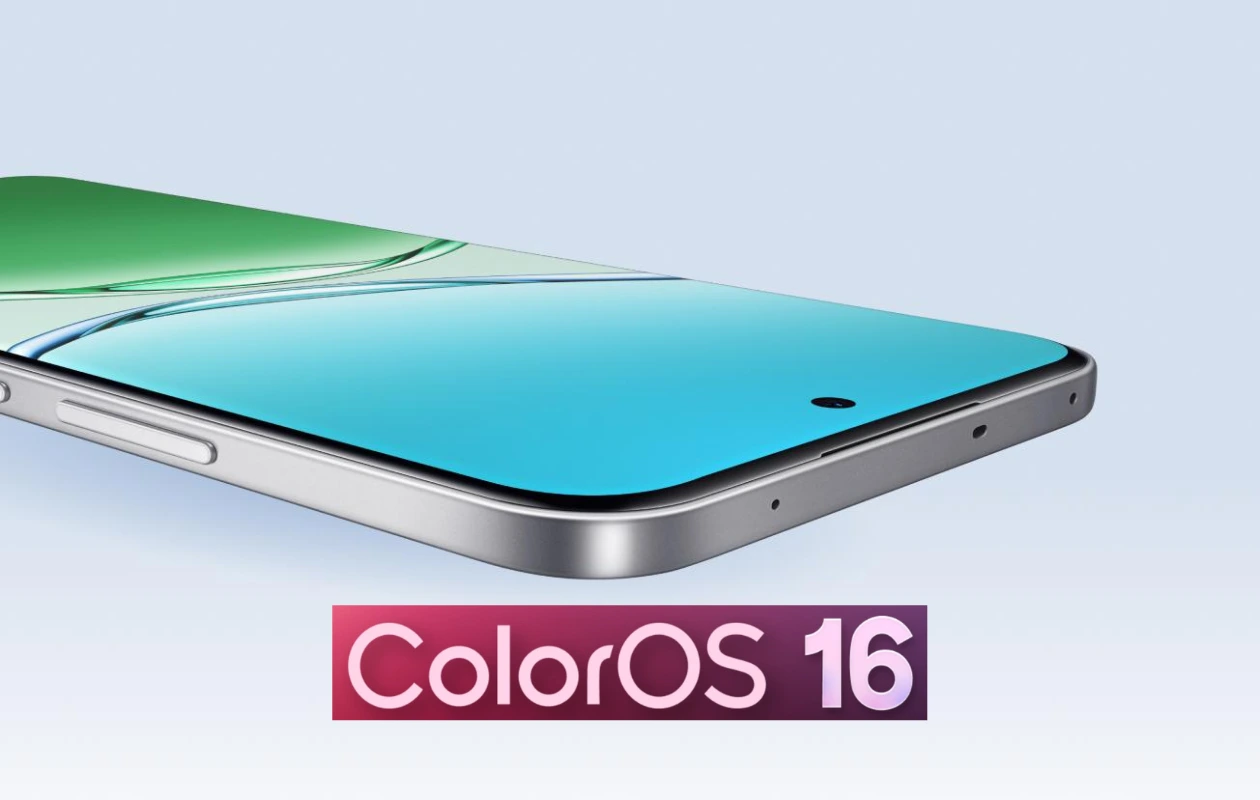
Oppo has released the stable ColorOS 16 for the Oppo F29 Pro. The update began rolling out on the last day of 2025, but it may take a few weeks to reach all F29 Pro users. This Android 16-based ColorOS 16 update is the first major update for the device.
The ColorOS 16 update for the Oppo F29 Pro is currently being rolled out in India. While the stable update has been announced, it is currently available to users who manually apply for it. Oppo follows a release candidate like release process, meaning that the stable update is initially rolled out to users who want to apply and get it before others. Subsequently, the same update is rolled out to everyone (those who haven’t applied) in a few days or weeks.
If you own an Oppo F29 Pro and want to get the ColorOS 16 update before others, you can easily apply for it and install it on your phone. First, make sure your device is running the latest detectable version: CPH2705_16.0.2.401(EX01).
Now follow the steps mentioned below:
- Go to Settings > System update > Software update.
- Tap on the top of the page > tap icon at the top right corner > Beta program > Release candidate, and then Apply for the official version.
The update will soon be available on your device. While updating to the latest version won’t delete any data, it’s still a good idea to take a backup.
Since Android 16 based ColorOS 16 is the major update, you’ll get to experience a bunch of new features such as a major design overhaul, improved performance, smoother animations, full-screen AOD, resize folder and app icons on home screen, AI portrait glow in photo editing, upgraded O+ connect, and a plethora of new features and updated system apps.
Explore More:
