

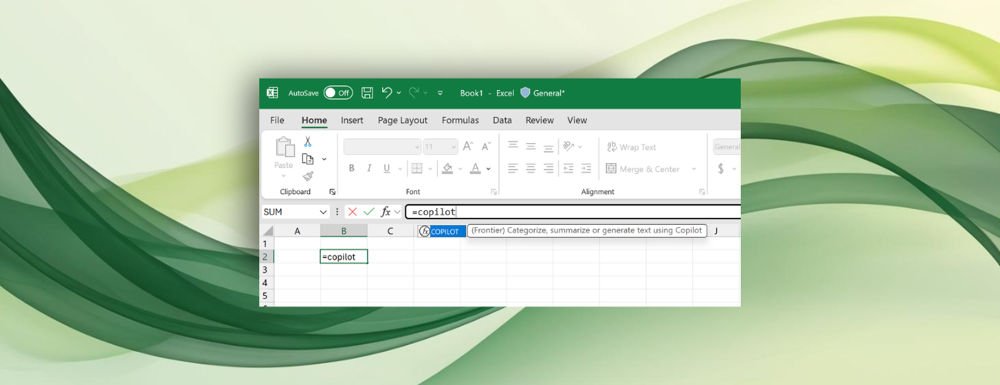
Learning the right Excel formula has always been a pain point for many users. Now, Microsoft Copilot is making that easier by letting you type plain-English instructions directly into a cell and automatically generating the correct formula. This new feature saves time and cuts down on the need to memorize complex syntax.
How the New Excel Copilot Feature Works
Previously, you had to open a separate Copilot window to ask for help with formulas. With this update, you can now type plain-English instructions directly in a cell, and Copilot will convert them into the right Excel formula.
Microsoft says this is the reverse of another recent addition, where Copilot explained existing Excel formulas in simple language. Together, the two tools make Excel far more approachable. One helps you understand formulas, the other helps you create them without memorizing syntax.
If you’re not particularly tech-savvy but still want to put together functional Excel sheets, this could help.
Practical Examples
The most basic use case is straightforward: you could type something like “find the highest number” and pass Copilot a range of cells. But Microsoft also highlighted more advanced examples. In one demo, Copilot analyzed a column of user feedback and generated a summary of what people were saying. That means you could ask it to find trends, compare data sets, or highlight recurring issues without needing to write complicated formulas yourself.
For anyone who has struggled with Excel’s learning curve, this new Copilot integration could be a game-changer.
