

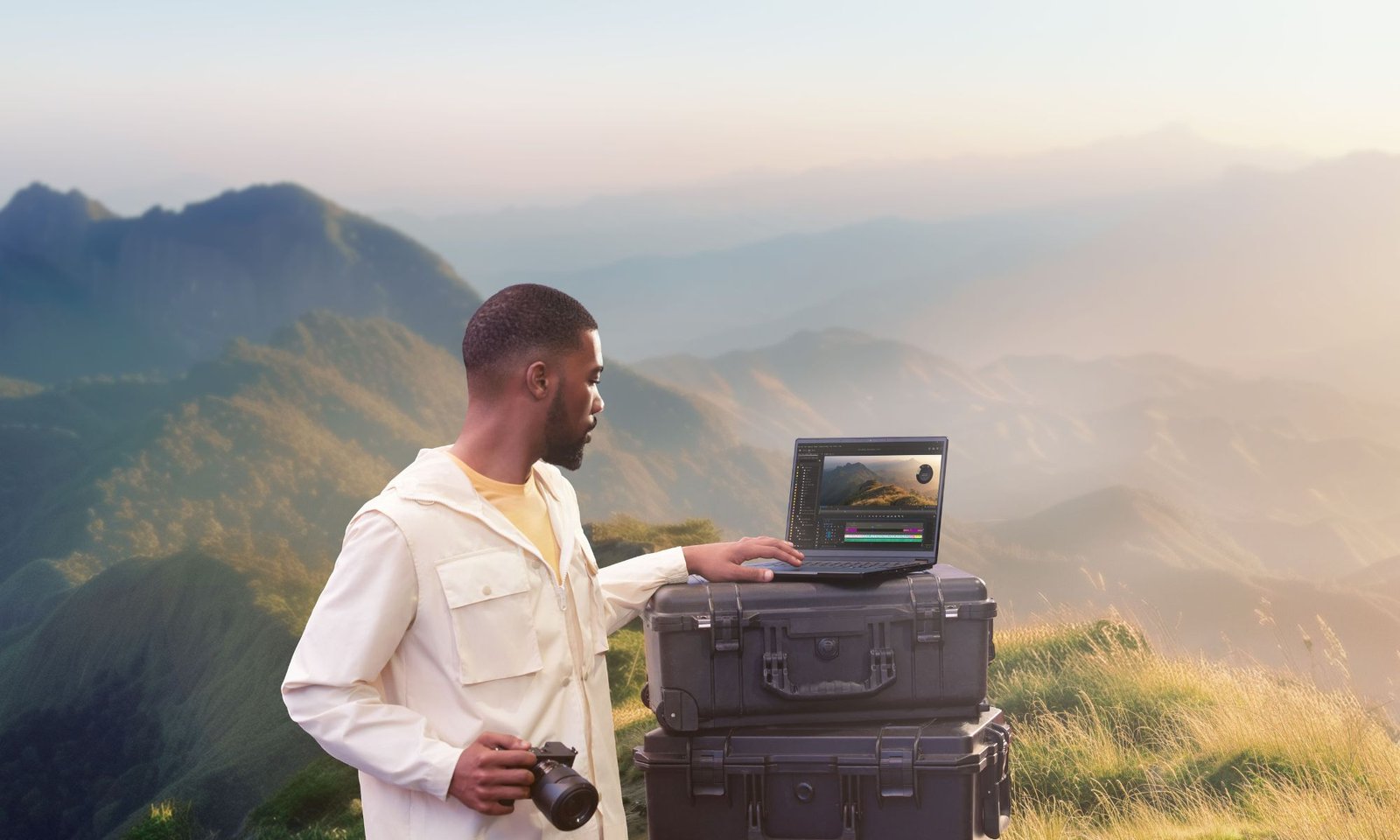
I get it, finding the best laptop for digital artists who travel isn’t exactly a smooth journey. Each role—photo editor, video editor, illustrator, animator, game designer—asks for its own mix of hardware. Add travel into the picture, and you have to focus on high-performance machines that stay easy to carry. Quite a hassle, right? Over the years, I’ve covered both hardware and software products, and I’ve worked with plenty of digital artists at different stages of their careers. So it’s fair to say I understand where you’re coming from.
I often point professionals who need hig-end CPUs and GPUs toward a desktop. You get better comfort and a lower price. But if you move from place to place and work on different setups, a light, compact laptop changes everything. Before I present the best options, let’s explore a few key tips every traveling digital artist should know to make the right choice.
Key laptop priorities for digital artists who travel
Start with how easy it feels to pack and go. I will cover specs in a bit, but first check chassis size, thickness, and weight. Laptops travel by nature, but you want the smallest option that still fits your work.
A 16- to 18-inch screen gives you more room for timelines, but it adds bulk. A 12-inch panel can feel cramped. For travel, 13 or 14 inches hits the sweet spot. Some brands (like ASUS using NanoEdge) shrink the bezels, so a 14-inch display fits into a body that once held a 13-inch screen.
Inside, aim for at least 16 GB of memory so your apps run without slowdowns or freezes. Apple silicon runs tools like Lightroom and Photoshop with great speed and strong efficiency, so you can match or beat Intel setups even with less RAM.
For most digital art work, 16 GB works fine. If you deal with heavy timelines or high bitrate footage, you may want 24 or 32 GB. Video work in Adobe apps and CAD projects can also push you toward 24 GB or more.
Storage matters too. If you edit without external drives, you need space inside the laptop. Filmmakers with hours of footage often keep apps on the internal drive and store media on external drives. I suggest at least 1 TB inside for active projects, then move finished work to external storage. Like RAM, get as much as your budget allows.
Best laptop for photo and video editors on the go
Many editing laptops run large and weigh over 4 pounds, which makes travel a chore. That hurts, since photographers and videographers already carry heavy gear. Your total load can hit 9 to 17+ pounds fast.
For photo editors, the Lenovo Yoga 9i 2-in-1 Aura Edition keeps things light at 2.91 pounds with a slim frame. I suggest an Intel Core Ultra 7 258V, 32 GB of RAM, and a 1 TB SSD. That setup covers web tasks, documents, and photo work with ease.
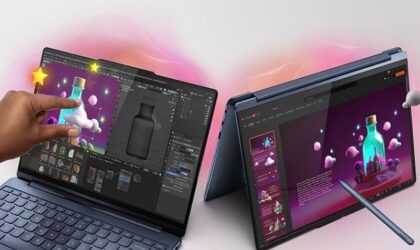
For photo editors: Lenovo Yoga 9i 2-in-1 Aura Edition
14‑inch OLED touch screen, 32 GB RAM, 1TB SSD
Its 14-inch OLED touch screen (2880 x 1800) looks bright and full of color. A 120 Hz adaptive refresh rate helps the stylus feel sharp in supported apps. The large trackpad gives you more room, so every move feels smooth and precise.
Related: Best Windows laptop for video editing to start a YouTube channel
If you edit video on Windows, take a look at the Lenovo Yoga Pro 9i Aura Edition. With a strong CPU and up to an RTX 5070 GPU, it can rival the Apple MacBook Pro 16-inch (M5 Max). It also packs a bright 16-inch 120 Hz OLED screen with solid color accuracy. If you skip touch input, the MacBook Pro still stands as a top pick thanks to its fast chip, accurate display, and long battery life.
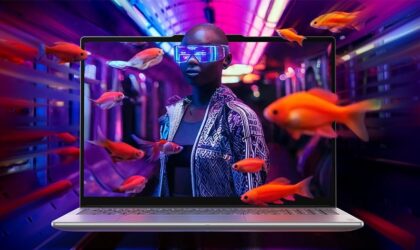
For video editors: Lenovo Yoga Pro 9i Aura Edition
At Lenovo.com, customize with up to 64 GB RAM, an RTX 5070 GPU, and an optional second 1 TB SSD.
Best laptop for digital illustrators on the go
The ASUS Zenbook A16 brings serious power with the Snapdragon X2 Elite Extreme chip. It builds on what made the Zenbook A14 strong, then adds more speed and efficiency.

ASUS Zenbook A16
16-inch 3K OLED touch screen, 48 GB RAM, 1TB SSD
At 0.54 inches thin and 2.65 pounds, it feels light for a 16-inch laptop. You still get premium features without trade-offs. The 16-inch OLED display uses a 16:10 ratio, which suits drawing and creative work. A 120 Hz refresh rate and a 0.2 ms response time keep motion smooth and sharp.
Ports cover everyday needs: USB-A and an SD card slot on one side, plus HDMI, two USB-C ports, and a headphone jack on the other. You can skip adapters in most cases.
Best laptop for 3D artists on the go
Macs once struggled with 3D work, but that has changed. Elly Wade, a 3D artist and educator, works on a MacBook Pro with 128 GB of RAM and handles 3D tasks with no issue. While high-end PCs with RTX GPUs can push more raw power, her setup still delivers strong results.
She values the light build, long battery life, and ease of travel. Her workflow spans Cinema 4D, Redshift, Photoshop, and Mac-only apps, often at the same time. Tools like AirDrop and her scene optimization skills help her keep the workflow smooth.
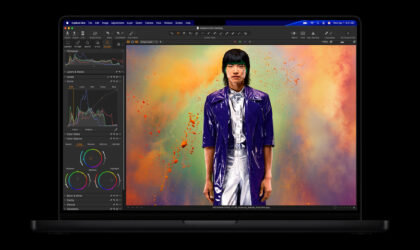
Apple MacBook Pro with M5 Max
16.2-inch Liquid Retina XDR, 36 GB Unified Memory, 2TB SSD
Her model no longer sells, but the Apple MacBook Pro 16-inch (M5 Max) offers the same feel with more power. If you want a Windows option at a lower price, check the ASUS ProArt PZ14 with its Snapdragon X2 Elite chip and up to 32 GB of RAM.
Best laptop for graphic designers on the go
MacBook Pro models have set the standard for graphic design for years. They combine speed, great displays, and a clean build. The MacBook Pro 14-inch (M5 Pro) keeps that trend going with a color-accurate screen and a strong chip.
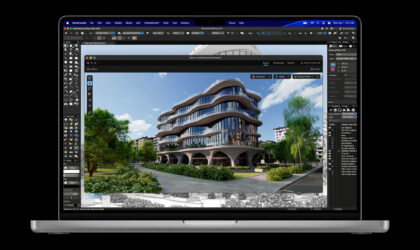
Apple MacBook Pro with M5 Pro
14.2-inch Liquid Retina XDR, 24 GB Unified Memory, 1TB SSD
You also get three Thunderbolt 5 ports, HDMI, an SD card slot, a headphone jack, and MagSafe charging. That mix gives you both power and flexibility in a portable form.
Best laptop for digital animators on the go
If you want a strong convertible with a screen that shows motion and color with precision, the ASUS ProArt PX13 stands out. It brings scenes to life, from smooth motion to rich frames.
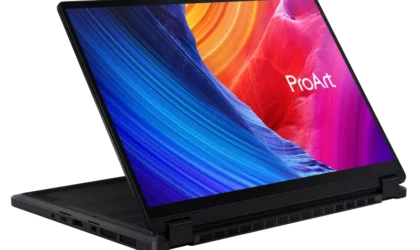
ASUS ProArt PX13
13.3-inch 3K OLED touch screen, 64 GB RAM, 1 TB SSD
ProArt systems can include NVIDIA RTX GPUs with ray tracing support. These chips handle rendering tasks like shader work, texturing, rigging, and compositing with ease.
The PX13 runs on an AMD Ryzen AI Max+ 395 with 64 GB of RAM and a 1 TB SSD. It also packs a wide set of ports, including USB4 Type-C, HDMI, audio jack, and a dedicated charging port. The keyboard, DialPad touchpad, and ASUS Pen 3.0 stylus add strong control for creative work.
Best laptop for game designers on the go
Game design calls for top-tier hardware. You need a fast CPU, lots of RAM, and a strong discrete GPU. Integrated graphics can handle basic tasks, but they fall short for complex game work.
The ASUS ProArt P16 (2025) brings studio-level power in a portable form. It features an NVIDIA GeForce RTX 5070 laptop GPU, which boosts performance for design and rendering.
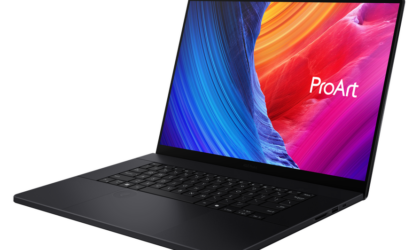
ASUS ProArt P16 (2025)
16.0-inch 4K OLED, 64 GB RAM, 2 TB SSD
With RTX 50 Series support, the ProArt P16 handles ray tracing, AI rendering, simulations, and DLSS 4. A 64 GB RAM setup keeps workflows smooth, while the Lumina Pro OLED display offers a 120 Hz refresh rate, fast response, and strong color accuracy.
You also get a solid port selection, including USB-C 4.0, which helps when you connect external SSDs for large files.
Making your laptop part of your workflow
You might be tempted to overbuy for future-proofing, but I’ve learned that a well-balanced machine you’ll enjoy using every day matters more. When I narrowed things down, it became clear that the “best” laptop is the one that won’t slow you down physically or creatively when you’re constantly on the move. You’ll spend less time worrying about hardware and more time doing what you love, whether that’s sketching, animating, or editing. In the end, the right laptop becomes more than a tool—it becomes a part of your workflow that keeps you moving and inspired.
Related: MacBook Neo vs. M5 MacBook Air: Here’s what changes when Apple uses a phone chip
