

You install a free app, and within a day or two your notification shade is full of ads pushing other apps, sales, and random promotions. Samsung has been aware of this problem for a while, and now Samsung Device Care ads blocking is officially rolling out as part of a Device Care update (version 13.8.80.7).
According to a post on X by @KAILASH61229293, the feature is called “Block apps with excessive ads” and it works by putting offending apps into deep sleep. That means no background activity and no notifications at all until you manually wake the app back up. Blocked apps show up at Settings > Device Care > Care report > Excessive alerts if you want to check what’s been flagged.
There are two modes to choose from. Basic blocking works from Samsung’s own database of known ad-spamming apps and quarantines them automatically when detected on your device. Intelligent blocking goes further, analyzing notifications in real time to decide whether they look like ads. Samsung is upfront that the intelligent mode won’t always get it right, so false positives are possible. Worth keeping in mind if you ever notice a legit app going quiet.
A Feature That’s Been a Long Time Coming
This wasn’t a surprise. The feature first surfaced in One UI 8.5 testing code back in December 2025, and Samsung has paired it with the One UI 8.5 rollout ever since. Before this, the only real option was manually disabling ad notifications app by app, which most people never bothered with.
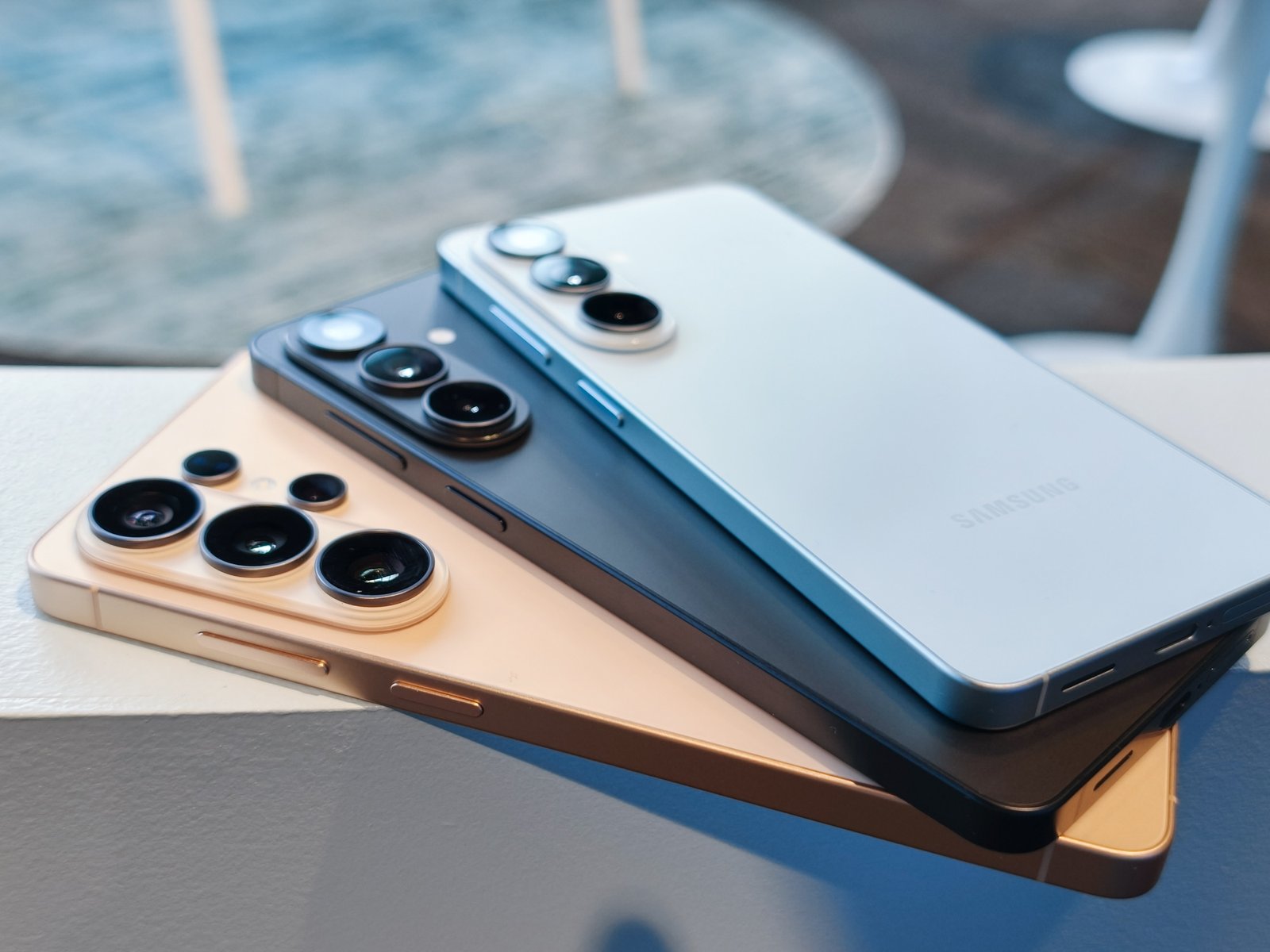
Right now the feature appears tied to the Galaxy S26 series, with broader rollout expected as One UI 8.5 continues spreading to older devices. Samsung hasn’t published a clear eligibility list yet, so if you don’t see it, that’s likely why.
One open question: Samsung’s own apps, including the Galaxy Store, have been guilty of pushing notification ads for years. Whether this feature covers those too, Samsung hasn’t said.
