

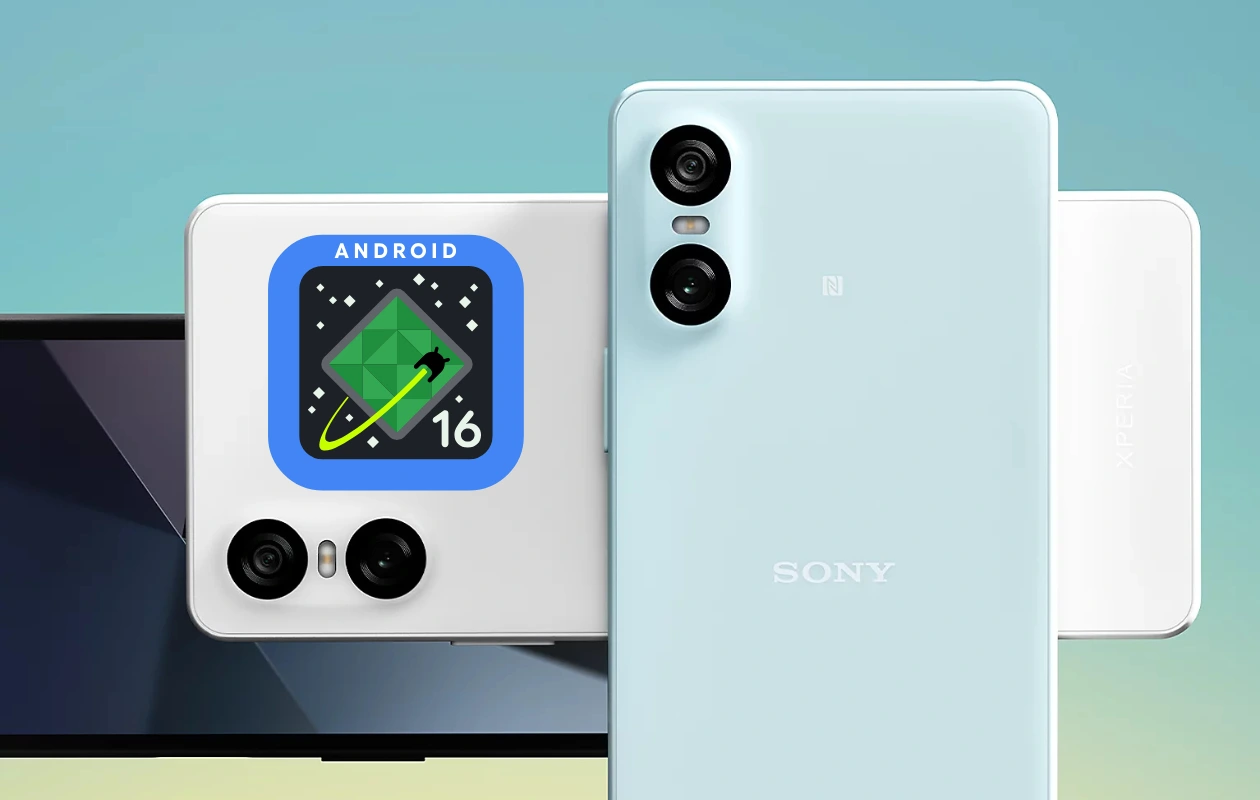
Sony has officially released the Android 16 update for the Xperia 10 VI. The update is currently being rolled out in Europe, but it may also be available in other regions. Xperia 10 VI is Sony’s third device to receive the stable Android 16 update.
Although the Android 16 update for Sony may not be as exciting as some other OEMs like Samsung, OnePlus, or Oppo, they are still rolling out the update on time. In fact, there are some active OEMs that haven’t even started rolling out the stable update yet. Considering Sony’s minimal focus on the smartphone department, they are actually doing a decent job.
The Android 16 update for the Xperia 10 VI (XQ-ES54/XQ-ES72) is rolling out with build number 70.2.A.0.266 and weighs around 1 GB. Sony has officially announced the update, along with other official details such as changes and features.
Android 16 for Xperia 10 VI – Everything New
The Android 16 update brings many features and changes to the Sony Xperia 10 VI, such as new Modes settings, set image quality to recommended in Settings, different location for Side Sense settings, and more. You can check the changes in detail below:
Modes
- You can decide when to block notifications to help you concentrate in specific situations, such as while sleeping, working, or driving.
- [Settings] > [Modes]
New features and changes to the Image quality settings
- Recommended image quality settings can now be selected in [Settings] > [Display] > [Image quality settings] > [Recommended]
- The image quality settings are optimized for the use of this device and the displayed content.
- The way you set the white balance on the screen has changed. [Settings] > [Display] > [Image quality settings] > [White balance]
Changes to Side sense
- Turning Side sense on or off [Settings] > [System] > [Gestures] > [Side sense]
- In addition to Side sense, you can also view guides on how to use the Split-screen (multi-window) mode and the Pop-up window mode.
- [Settings] > [System] > [Gestures] > [Side sense] > [View Multitasking usage guides]
Changes to the lock screen settings
- You can now open the lock screen settings from the Home screen.
- Touch and hold an empty area on the Home screen, and then [Wallpaper & style] > [Lock screen] > [More lock screen settings]
Mirroring the screen of your device on a supported TV
- The Screen mirroring feature is now available from the Cast function in the Quick settings panel.
Checking the battery status
- You can now check the battery status by [Settings] > [System] > [Device diagnostics] > [Component health] > [Battery status]
The stable Android 16 update for the Xperia 10 VI is rolling out in batches, and it may take some time to reach all users. If you own a Sony Xperia 10 VI and haven’t received the update yet, it will be available soon. Keep your device ready for the update by ensuring enough storage, installing the latest update available, and backing up your device.
Related Articles:
