

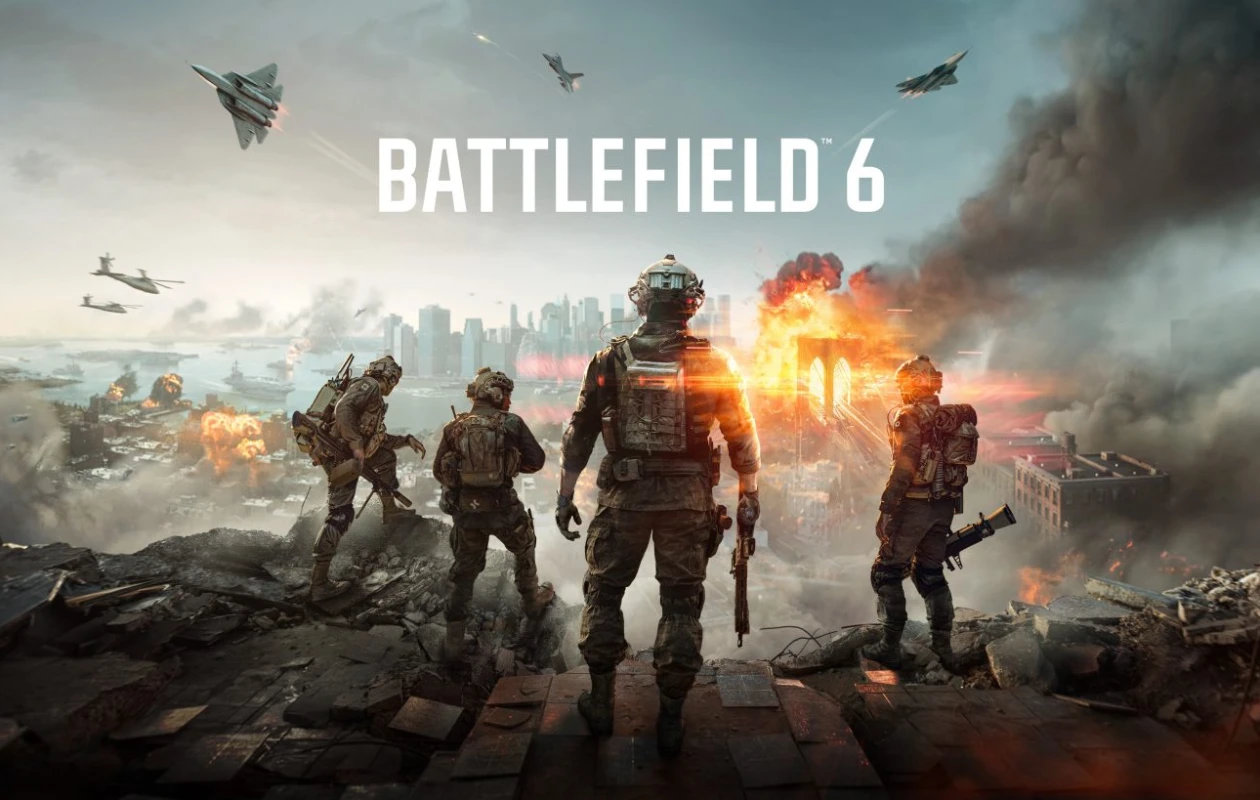
One of the biggest FPS games of the year, Battlefield 6, was officially released on the 10th of October 2025. While the game has received a lot of positive reviews, there have been a few issues with the game that many players have reported. One of the ongoing issues with Battlefield 6 right now is the Challenges.
The game has numerous challenges to complete. However, players have noticed that whenever they have completed a challenge in Battlefield 6, they have noticed that the Challenge counter in the game is not tracking. So, what do you do? Is there a fix or a solution to solve the challenges being not tracked in BF 6? Let’s find out!
Update: Most of the BF6 challenges related issues have been fixed. However, if you come across any challenges that aren’t being tracked, you can refer to the troubleshooting steps provided.
Battlefield 6 Challenges Not Working
The community manager for EA recently posted that Battlefield 6 has a number of progression issues and that the team is currently working on a solution to update the challenge tracker in-game. Additionally, the community manager also stated that since Battlefield 6 is a live FPS multiplayer game, there will be some issues.
While there were alpha and beta tests that took place recently before the game was officially released, it is possible that the developers and even the testers could have missed some bugs and errors. There is light at the end of the tunnel as the developers are working on fixes that have plagued the challenge tracker in the game.
Battlefield 6: Which Challenges Are Not Being Tracked?
There are a number of challenges that are not being tracked in the game, and as stated by the EA Community manager, the following challenges are not being tracked.
- Assignments: Helicopters are incorrectly counted as Ground Vehicles in the “Land Vehicle Expert“ assignment.
- Assignments: Helicopters are not counted properly in Vehicle Challenge 1.
- Challenges: The Progress bar for “Repair Vehicles” does not update when repairs are made.
- Challenges: The Weapon Expert Unit Challenge is not tracking correctly. The description says you must “Get a kill with each type of weapon in a match,” but the actual requirement is to get 15 longshot kills in a single match.
- Challenges: “Resupply teammates with the Supply Pouch” is not tracking progress.
- Challenges: “Use Vehicle Supply Crate” does not progress even after completing the action.
Battlefield 6: How to Fix the Repair Vehicle Challenge Not Tracking?
One of the major challenges, i.e., the repair vehicle challenge for Battlefield 6, is broken. Players of the game have noticed that, regardless of how many times you fix any broken part of the vehicle, the challenge tracker does not update. While the challenge tracker is broken, all you can do is simply hope that EA drops an update that fixes the Repair Vehicle challenge and the other challenges that are currently broken. If you have been trying to repair the tank to earn the Engineer Repair challenge in Battlefield 6, you might notice that the tracker doesn’t update.
So what can you, as the player of the game, do? Well, apart from waiting for EA to drop updates to fix these challenges, not updating and tracking, you can try some other temporary fixes. Do note that these may or may not work.
Restart your Game
One way that you can try to fix this issue is by restarting your game. Close your game and end all tasks and processes, including the client from where you have purchased Battlefield 6. Make sure to close and exit from the EA App or the Steam client as well. Once you have closed everything, launch the game and try to perform repairs to your vehicle or the tank. If the tracker updates the progress, then you are good to go. Otherwise, simply wait for EA to push the fixes.
Restart Your PC
This might seem like a solution that doesn’t make sense, and yes, I do agree, but restarting your PC and launching the game after a restart could help with clearing out any of the challenge bugs, and you might see progress in the particular challenge. Since the game has bugs as of now, it’s all based on luck. If it works, well and good. If not, it’s best to wait for the updates.
Repair the Tanks and Vehicles with Your Squad Around You
Repairing any random tank or vehicle that you see in the game may or may not count towards the challenge. However, many players have also stated that the best way to do this challenge is by repairing the vehicles and tanks of your own squad. Whenever you want to repair the vehicle or tank, make sure that you coordinate with your squad before and during the repair process.
What Should You Do?
Well, with the bugs and issues in the challenges not updating or tracking in the game, your best bet is to wait for fresh updates to be pushed to the game. Do keep in mind that as a live service multiplayer game, the challenges with issues will get fixed, but the other challenges that were working fine might run into problems. So, keep your eyes peeled.
Battlefield 6: Current Challenges
Let’s take a look at the current challenges that you need to complete and the rewards that you earn after completing them.
- Large Modes Challenge 1: Career 2XP Booster
- Large Modes Challenge 2: Hardware XP Booster
- Large Modes Challenge 3: 5000 XP
- Large Modes Challenge 4: Timbre Byre Vehicle Camo
- Small Modes Challenge 1: Career XP Booster
- Small Modes Challenge 2: Career XP Booster
- Small Modes Challenge 3: 5000 XP
- Squadplay Challenge 1: Career XP Booster
- Squadplay Challenge 2: 5000 XP
- Teamplay Challenge 1: Career 2XP Booster
- Teamplay Challenge 2: Career 2XP Booster
- Teamplay Challenge 3: 5000 XP
- Vehicle Challenge 1: Career XP Booster
- Vehicle Challenge 2: 5000 XP Booster
- Vehicle Challenge 3: Fractured Ice Vehicle Camo
This concludes everything you need to know about the challenges in Battlefield 6, why they’re not working, and what fixes you can try for the challenges that don’t work and track in Battlefield 6. If you’ve questions or queries, feel free to leave them in the comments section below.
Related Articles:
