

About two weeks after the initial rollout of One UI 8 Watch for the Galaxy Watch 6 and Watch 6 Classic, the update is now expanding to more users in the US. Earlier, it was available to a limited number of users.
The One UI 8 Watch is now available for the Galaxy Watch 6 and Watch 6 Classic models running on T-Mobile and Verizon. The official major update is available with build number R935USQU1CYK2 for the 40MM model and R945USQU1CYK2 for the larger variant.
Since this is a major update, it weighs over a GB in size for those who haven’t installed the beta version. So, make sure to clear enough storage and download it over WiFi.
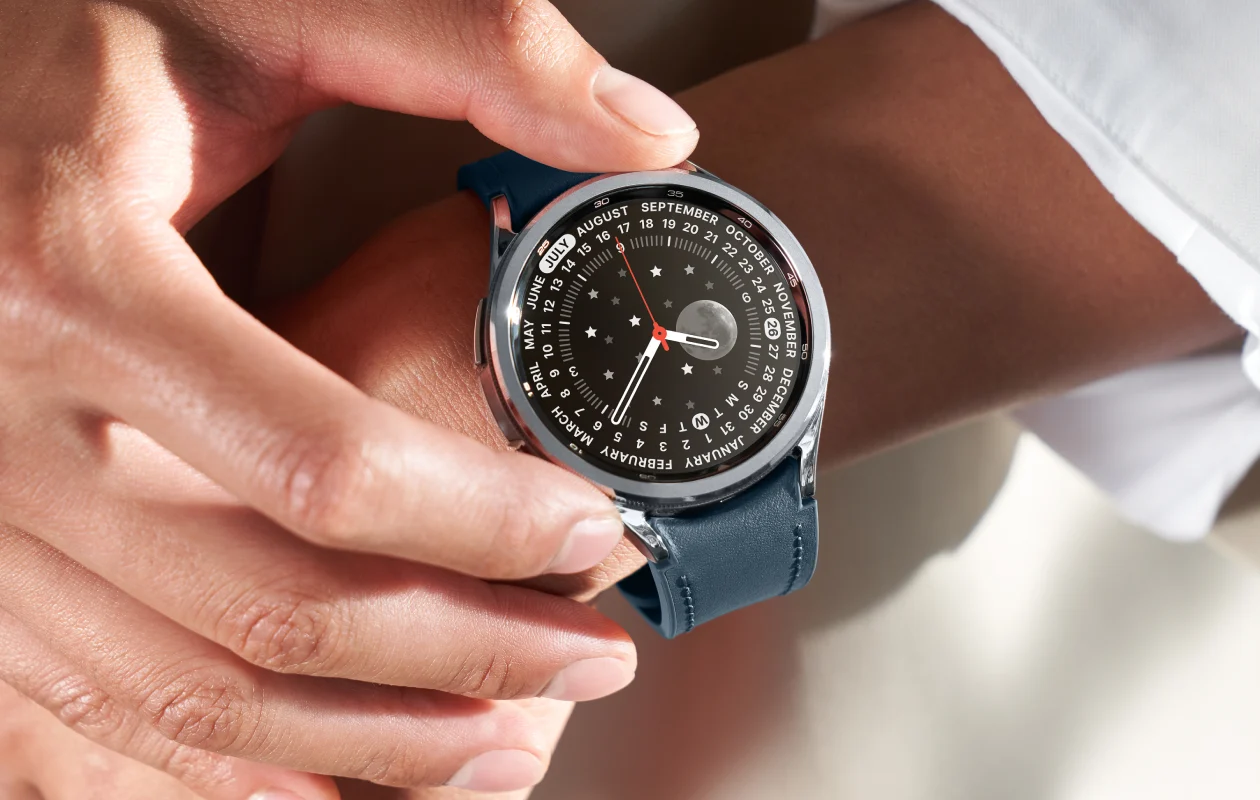
The One UI 8 Watch update is based on Wear OS 6, introducing design changes and various new features. It includes new charging animations, new watch faces, a battery icon, better animations for complications, grid and list support in App list, stacked notifications, and more.
If you’re in the US and haven’t received the stable One UI 8 Watch for your Galaxy Watch 6 or Watch 6 Classic, it’ll be available soon. Make sure your Galaxy Watch is connected to your smartphone and check for the update in the Galaxy Wearable app. To do this, navigate to Watch Settings > Watch Software Update > tap Download and Install.
Before installing the update, it’s advisable to back up your important data just in case. Also, charge your device to at least 50%.
Related Articles:
