

Samsung has released the second beta of One UI 8.5 in the US, Korea, Germany, and the UK. Additionally, the beta program has also been launched in India and Poland. The first beta, released in early December, introduced some new features. The second beta, however, focuses on several improvements. Here’s the full changelog available with the One UI 8.5 Beta 2 update.
With the second beta live, most of the features and changes that will be included in the final One UI 8.5 update are now clear. If you’ve already gone through the One UI 8.5 Beta 1 changelog, let’s now check the full changelog of the One UI 8.5 Beta 2 update.
One UI 8.5 Beta 2 Changelog
- Modified to enable dual recording and single take mode through Camera Assistant setting
- Improved the issue of initializing quick panel settings when booting intermittently
- Improvement of errors such as quick panel menu screen icon spacing, location, etc.
- Improved the issue of photos organized into gallery group folders being moved to the first album page
- Improved the stuttering issue when pressing the More View menu during a call.
-Improved rebooting issue while leaving it intermittently - Improved the issue that the volume up button does not work under certain conditions
- Improved the issue of sound generation in the device when making a call with BT carkit connection under certain conditions
-Improvement of issues that are forcibly terminated while using multiple 3rd apps - Stabilization of SW through multiple app updates such as cameras
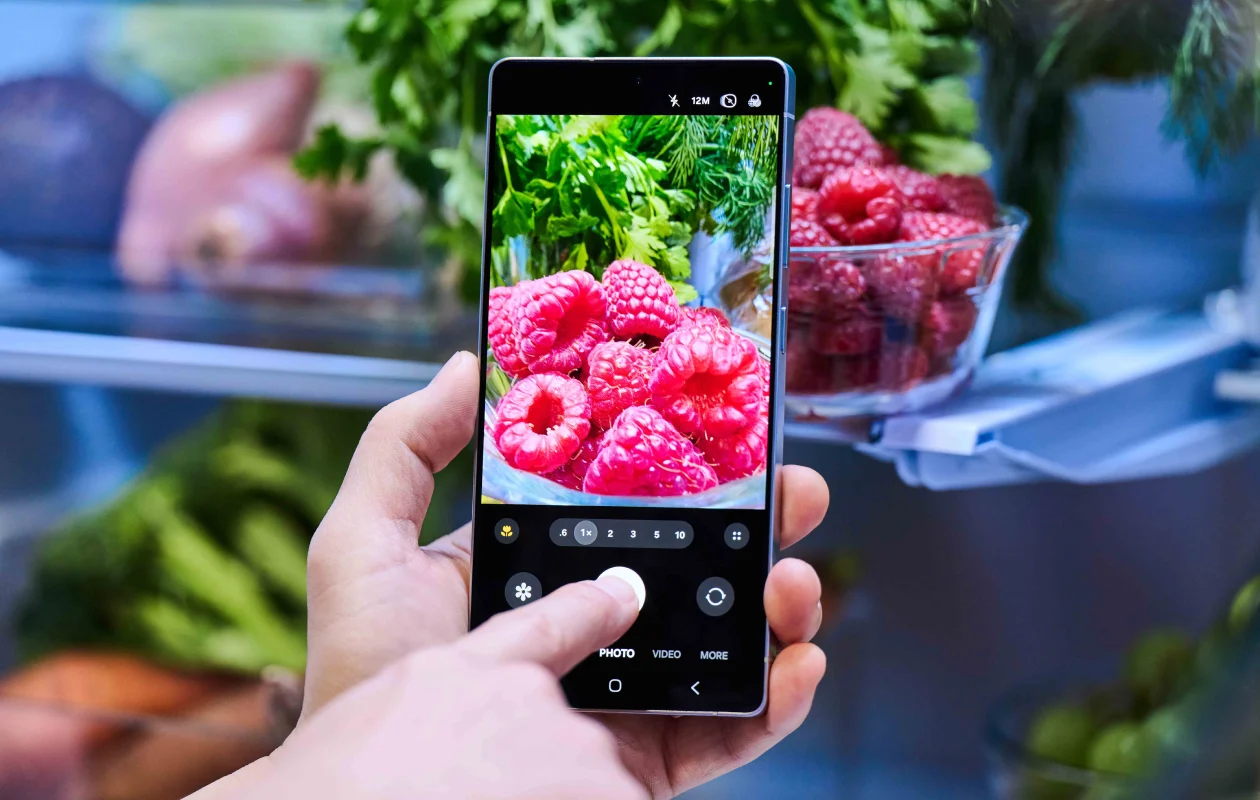
Apart from the changes mentioned here, Samsung has released a Camera Assistant update that you need to install manually. The latest version of Camera Assistant is v4.5.00.13 and it introduces various new features for the Camera app. Here’s a list of the new features that come with Camera Assistant update.
- Touch AFAE in Pro video mode
- Focus peaking in pro modes
- Advanced Photo mode controls
- Optical image stabilization (OIS)
- Presets in Pro mode
- Customize indicators
- TILTA wireless lens controller
Some of these features may only be available on the Galaxy S25 Ultra.
The update heavily focused on Camera app improvements. However, it also introduced several other improvements, including bug fixes like the Quick Panel orientation issue.
Samsung released One UI 8 earlier this year with several new features. However, after using it, I noticed several missing elements that made it feel incomplete. Fortunately, One UI 8.5 includes those pieces and feels like a complete update. In other words, it’s a great update that takes the user experience to the next level.
The Galaxy S25 running One UI 8.5 beta feels smoother and looks better than ever before.
Explore More:
Thumbnail: Samsung
