

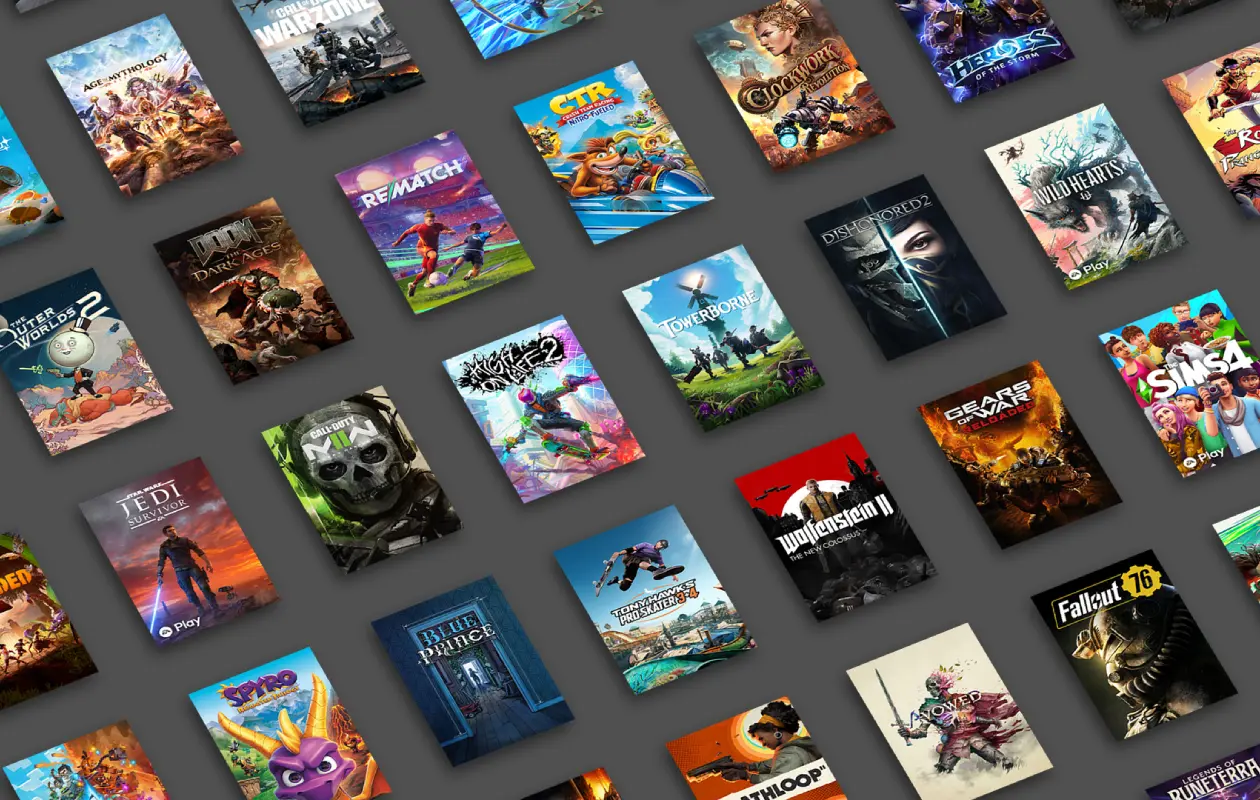
Cloud Gaming has made gaming accessible to everyone, regardless of their device. It eliminates the need for high-end hardware and downloading games, allowing users to start cloud gaming with a simple device that has a display and high-speed internet.
Today, there are several cloud gaming options to pick from. However, in the sea of cloud gaming options, choosing the right platform can be challenging, especially for those who might want to try cloud gaming for the first time.
So, how does one pick up a good cloud gaming service? Well, we’ll be helping you make the right choice. Here, we’ll talk about features, game library, and cost of popular cloud gaming services which will help you in deciding your next service. Let’s dive in!
Best Cloud Gaming Services in 2026
Here’s the list of all popular cloud gaming services that are available in the market.
- Amazon Luna
- Blacknut Cloud Gaming
- Boosteroid Cloud Gaming
- Netboom
- NVIDIA GeForce NOW
- Shadow PC
- Xbox Cloud Gaming
Now that you have a good list of all the popular cloud gaming services that are available for gamers, let’s take a look at which one of these cloud gaming services is perfect for you to enjoy seamless gaming. These cloud gaming services also work on smartphones.
Amazon Luna
Amazon Luna is Amazon’s take on cloud gaming. The service has over 100 games. Amazon Luna is the ideal cloud gaming solution for those gamers who have an active subscription to Amazon Prime. With Amazon Prime, gamers get free access to Amazon Luna Standard.
There are also other paid plans available in Amazon Luna. Luna Premium costs $9.99 per month, Ubisoft+ at $17.99 per month, and Jackbox Games at $4.99 per month. Depending on the type of games you like to play, Amazon Luna has a plan for everyone. The added benefit of getting Amazon Luna as your cloud gaming service is the number of free games that you can claim regularly.
You can use Amazon Luna Cloud Gaming on browser on PC as well as smartphones. If you are looking for dedicated Amazon Luna app for iOS and Android devices, you’ll be disappointed. However, if you have an Android smartphone or tablet, you can install this particular Amazon Luna app that has been created for the Fire Tablet.
You can also easily connect a wired or wireless controller to your smartphone and PC to play Luna games.
Blacknut Cloud Gaming
One of the lesser-known cloud gaming services, Blacknut is a great option for those who want to enjoy over 1000 games with the convenience of playing them anywhere and anytime. The Blacknut Cloud Gaming service lets you add up to 5 player profiles, with parental control setup for each profile.

Apart from the 5 profile support, Blacknut Cloud Gaming also lets you sync to four controllers, which can be used to play multiplayer games with friends and family. Blacknut has support for various devices, such as PC, Smartphones, and select smart TVs.
Moving towards the plans, you can choose the monthly plan for $15.99 or the annual plan that costs $7.99 per month. Just like Amazon Luna, Blacknut also has Ubisoft add-ons. The Ubisoft+ Classic add-on costs $15.99 per month, and the Ubisoft+ Premium plan for $25.99 per month. There’s also the SNK add-on for $9.99 and the Focus Entertainment add-on for $9.99.
Apart from accessing the service from browser, Blacknut Cloud Gaming also has a dedicated app for Android devices. The Blacknut cloud service is also available on several TV OS.
Sign up for Blacknut Cloud Gaming
Boosteroid Cloud Gaming
Boosteroid is a highly popular cloud gaming service that allows users to enjoy their favorite games, as well as games that they own on various devices. Games that you have purchased on platforms such as the Epic Games Store, Steam, and other platforms can also be played via the cloud using Boosteroid Cloud Gaming.

Similar to Blacknut Cloud Gaming, Boosteroid has a dedicated app for Android devices, but for iOS devices, you will have to make do with the web browser. However, for other devices out there, such as Windows, macOS, Linux, webOS, and even Fire TV, the dedicated Boosteroid app can be used to play your favorite games anytime, anywhere. Check out this table of plans from Boosteroid.
| Plan Name | Duration | Cost (Euros) |
| Ultra | Monthly | €12.89 |
| Ultra | Yearly | €7.40 per month |
| Ultra Pro | Monthly | €14.89 |
| Ultra Pro | Yearly | €11.24 per month |
Right now, Boosteroid is offering gamers a 6-month promo that will end on the first of September 2026. You get 6 months of Boosteroid Cloud Gaming for just €49.89. So, if you haven’t tried out this service, now is the time to take advantage of the promo.
Netboom
For those looking to enjoy cloud gaming services on the cheap with a library of 300+ games, Netboom is for you. With dedicated Android and iOS apps. Netboom also has support for wireless and wired keyboards and controllers that can be used with your smartphone.

Netboom has three price plans: monthly, quarterly, and yearly plans. The monthly plan costs $9.99, quarterly at $27.99, and yearly at $99.99. However, one should note that regardless of the plan you pick, there are hour limits for each plan. The monthly plan gives you 80 hours per month, the quarterly plan gives you 160 hours per month, and the annual plan gives you 300 hours per month.
Netboom is good for those who want the freedom to play from over 300 games, want it at a cheap price tag, and don’t play regularly. But if you want a few more hours, you will have to purchase extra coins. Here’s a table of the coins and how much it costs.
| Coins | Cost |
| 600 Coins | $3.99 |
| 1200 Coins | $6.99 |
| 1800 Coins | $9.99 |
| 2400 Coins | $12.99 |
| 3600 Coins | $16.99 |
| 4800 Coins | $20.99 |
An additional hour of playtime on Netboom will cost 120 coins.
NVIDIA GeForce NOW
When it comes to cloud gaming, GeForce NOW is the name that comes to everyone’s mind first, and there is a good reason why. First off, you get to play all of your favorite game titles that have support for Ray-tracing. Next, there’s the extremely large number of games in the cloud gaming library, with new games being added regularly every Thursday. You can browse through the complete game library by heading here.

Android gamers can easily enjoy their favorite games via the dedicated GeForce NOW Cloud Gaming app, whereas iOS users will have to use their web browser to enjoy playing their favorite games on their iPhones.
When it comes to plans, a lot of users prefer GeForce NOW. Why? Well, there’s a free plan that you can choose. The free plan gives you access to over 2000 games, at 1080p in 60FPS. Since this is a free plan, the service has ads that help cover the costs and allows only 1 hour per session. You also get a basic rig and a gaming session time of one hour,
But, if you care about an ad-free experience and want to enjoy RTX, you can go for the Performance or Ultimate paid plans. These plans cost $9.99 and $19.99 per month, which gives you 6 hours and 8-hour gaming sessions, respectively. There’s also the difference in gaming resolutions, set at 1440p 60 FPS for Performance and 4K 240 FPS for Ultimate.
In terms of value for money and game library, NVIDIA’s GeForce Now is every gamer’s first choice and can be played on almost any device, including PCs, handheld gaming devices, and even smart TVs and smart TV plug-in devices.
Xbox Cloud Gaming
Runner-up to GeForce NOW, Xbox Cloud Gaming is a very popular service for those users who want to get their hands on the latest Xbox Studios games, such as the upcoming Forza Horizon 6, Fable, and other existing games, such as Microsoft Flight Simulator and Forza Motorsports. Just like GeForce NOW, you can access your favorite games via Xbox Cloud Gaming on your smart TVs, smartphones, and PCs. As long as you have a device that connects to the internet and has a web browser, you can enjoy your games.

Looking at the plans, you can choose from three different plans: Essential, Premium, and Ultimate. Xbox Cloud Gaming has no free plans; however, you can take advantage of the $1.00 one month offer on the Essential and Premium plans. The Essential plan costs $9.99 per month, the Performance plan costs $14.99 per month, and the Ultimate plan costs $29.99 per month. Each plan gives you access to 50, 200, and 500+ games, respectively.
But, if you want to play games from Xbox Cloud on your smartphone, you’ll have to use the web browser since the Android and iOS apps are not available. To check out the list of games available on Xbox Cloud gaming, check this list out.
Which One Should You Pick?
All of these cloud gaming services have good plans and game libraries. However, the absence of a dedicated smartphone app can be a drawback, but that shouldn’t stop you from using your favorite web browser to enjoy the games on your smartphone. The reasons why a lot of these series don’t have dedicated smartphone apps are simply because the Google Play Store and the Apple App Store want a 30% cut, and if these services agree to this, they won’t be able to earn from the subscriptions gamers purchase.
Here’s a table that shows you details of mentioned Cloud Gaming services such as free trials, game library count, and the lowest priced plans if you wish to enter cloud gaming and use any of these services.
| Platform | Entry Price | Free Trials | Game Library Count | Platform to Play |
| Amazon Luna | Free with Amazon Prime / $9.99 | 6 month free trial for ages 18-24 | 150+ | Browser |
| Blacknut Cloud Gaming | $15.99 | No | 1000+ | Browser, Android App |
| Boosteroid Cloud Gaming | $12.89 | No | 500+ | Browser, Android App |
| Netboom | $9.99 | No | 200+ | Browser, Apps |
| NVIDIA GeForce Now | $0 / $9.99 | Free Plan Available/Option to Try Ultimate and Performance Plan for 24 hours | 4000+ | Browser, Android App |
| Xbox Cloud Gaming | $9.99 | No trial, but a $1 offer for the first month on the Essential and Premium plans | 400+ | Browser |
As you already know, the cloud gaming work on almost every device, you can also pick the game progress where you left off last time even if it was on a different device. Along with PC, Android and iOS smartphones, you can also play these cloud gaming services on a range of devices, including tablets, iPads, Steam Deck, Asus ROG Ally, Lenovo Legion Go, and Logitech G Cloud.
So, what’s your favorite cloud gaming service to play? Personally, I would pick between GeForce NOW and Xbox Cloud Gaming because of the game library and the ability to access and play games anywhere and on any device. Is cloud gaming the future of gaming, or will purchasing games individually from storefronts be the king? Share your thoughts below.
Also Check:
