

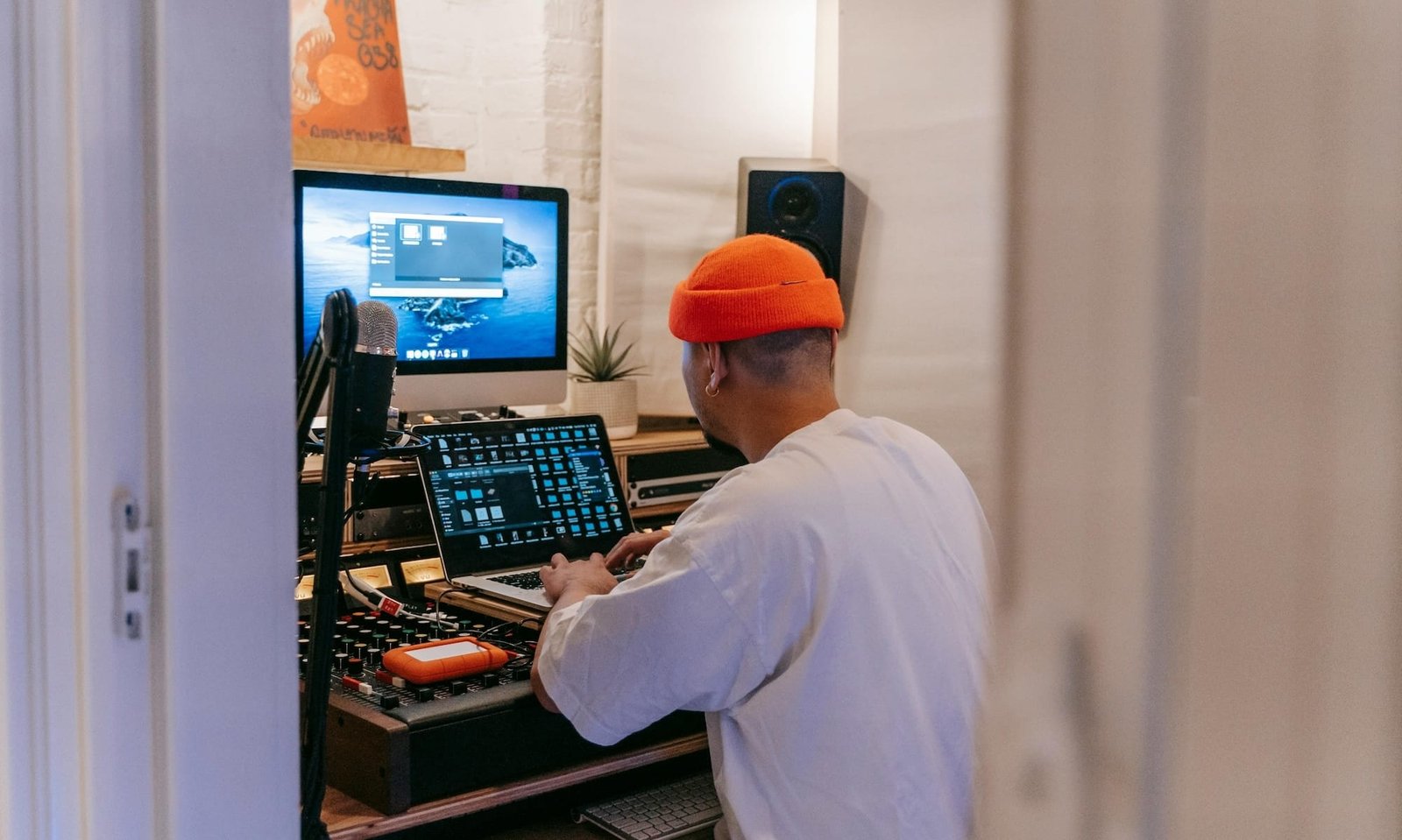
If you’re searching for the best PC for beginner music production, you’re probably in that phase where everything feels exciting… and slightly overwhelming. One minute you’re downloading FL Studio, the next you’re deep in Reddit threads trying to figure out if your laptop will crash if you add another plugin.
I’ve been there—and I’ll be honest: beginner music producers don’t need a crazy, studio-grade powerhouse to get started. But you do need a PC that won’t lag when inspiration hits or freeze on you, mid-recording. It doesn’t need to be the most powerful PC out there, but it should offer the right balance for learning and experimenting.
This guide is for beginner music producers building a home setup in 2026—whether you’re making beats in your bedroom or just figuring out what a DAW even does. I’m focusing on PCs that are great all-rounders, ones that’ll produce solid audio for a reasonable price, with enough power to grow with you.
The Starter Specs: What You Actually Need (and What You Don’t)
For a home studio in 2026, you don’t need a supercomputer. What you do need is balanced power. Here’s how to translate those tech specs into actual music-making performance.
The CPU is Your Engine: Single-Core Speed is King
In the music world, the Central Processing Unit (CPU) does the heavy lifting. You can think of it as the brain that processes every effect you add to a vocal track.
- Why Single-Core Matters: Even though modern CPUs have 12 or 16 cores, most Digital Audio Workstations (DAWs) like Ableton Live 12 or FL Studio process a single “signal path” (like a vocal with five plugins on it) using just one core. If that core is slow, your audio will crackle and pop, even if the other cores are sitting idle.
- Latency & Lag: A fast CPU reduces latency—that annoying delay between when you hit a key on your MIDI controller and when you actually hear the sound.
- The 2026 Standard: Look for an Intel Core Ultra 5/7 or an AMD Ryzen AI 300 series. If you’re going Mac, the M3 or M4 chips are basically built for this.
RAM: The “Anti-Crash” Insurance
RAM is your computer’s short-term memory. It’s where your PC stores all the virtual instruments (like a grand piano plugin) and drum samples, so it can play them back instantly in whatever project you’re working on.
- Why 16GB is the 2026 Floor: Back in the day, people said 8GB of RAM was fine. Well, my friends, times have changed. Between running Windows 11/macOS, having 10 Chrome tabs open for YouTube tutorials, and running your DAW, 8GB will disappear in seconds.
- The Stutter Factor: When you run out of RAM, your computer tries to swap data to your hard drive, which slows your processes down. It can even cause your project to stutter or, worse, crash right before you hit save. 16GB is the ideal amount of RAM because it’s enough space for a beginner to experiment (and avoid system overload) without breaking the bank right away.
Silent Cooling: Quiet > Flashy
I’ll let you in on a home studio secret: noise matters. If you buy a massive, gaming PC with six high-speed fans—your mics are going to pick them up during recording.
- The Microphone Struggle: If you’re recording vocals or an acoustic guitar in the same room as your PC (which most beginners do), a sensitive condenser microphone will pick up that fan whir. You’ll end up with a “whirl” in all your recordings that is almost impossible to EQ out later.
- Pro Tip: Look for PCs marketed with Silent Cooling or Low Decibel fans. This is why Apple’s Mac Mini or high-end ASUS Zenbooks are so popular—they stay whisper-quiet even when you’re pushing the processor.
Storage Speed: Why NVMe SSDs are Non-Negotiable
In 2026, we’ve officially moved past the era of spinning Hard Disk Drives (HDDs) for active music creation. While they are still great for cold storage (backing up finished projects you won’t touch for months), they simply cannot keep up with the data demands of a modern DAW.
- The NVMe Advantage: You want an NVMe SSD (Non-Volatile Memory Express). Unlike older SATA SSDs that are capped at around 600MB/s, modern NVMe drives can reach speeds of 3,500MB/s to 7,000MB/s.
- Why HDDs Fail Beginners: A spinning HDD uses a physical mechanical arm to find data on a disk. When you’re playing back a project with 30 different audio clips, the HDD has to physically move that arm back and forth to find each file. This leads to disk overload errors and audio dropouts mid-recording.
- Instant Sample Previews: If you use a sampler like Kontakt, an SSD allows for “Direct-from-Disk” streaming. This means you can play massive, high-quality instruments (like a 20GB orchestral piano) without having to wait five minutes for them to load into your RAM.
The Top Picks: Best PCs for Beginner Home Studios
The Desktop King
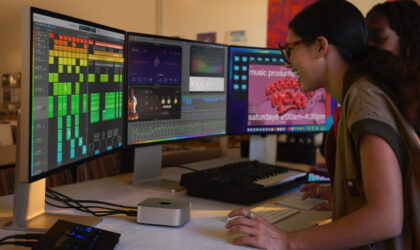
Apple Mac Mini M4
Released in late 2025, the Apple Mac Mini M4 is arguably the best value-for-money desktop for music production. The new M4 chip is significantly more efficient than previous generations, allowing you to run hundreds of plugins without the fan ever kicking on. It now starts with 16GB of unified memory as the baseline. It uses Apple’s M4 10-core CPU / 10-core GPU, and has 512GB NVMe SSD (Configurable up to 2TB) of storage. Its tiny 5×5-inch footprint saves desk space, so you have more room for your MIDI controllers and audio interfaces.
The Windows Workhorse
ASUS Vivobook S 16
If you’re the kind of producer who likes to move around—bedroom, kitchen table, friend’s house, wherever inspiration hits—this is the one I’d grab. It gives me the flexibility of a laptop without feeling like I’m sacrificing performance. When I’m working in FL Studio or Ableton Live, I can stack plugins, mess with VSTs, and not worry about everything slowing to a crawl. That’s huge when you’re still experimenting and don’t fully know how heavy your projects might get. For mobile producers using FL Studio or Ableton, the ASUS Vivobook S 16 is the best Windows laptop because its AMD Ryzen AI 300 series processor handles heavy VST processing without thermal throttling.
The Upgrade-Friendly All-Rounder
HP OmniDesk M03
If you want something that feels fast now but won’t box you in later, this is the kind of desktop I’d go for. It handles everyday production tasks smoothly—think layering tracks, running multiple plugins, and bouncing projects. I like this one for beginners who are lowkey serious about leveling up. The 16GB DDR5 RAM and fast SSD mean I can open big sessions in Ableton Live or FL Studio without waiting forever, and the port selection is perfect if I’m plugging in MIDI controllers, audio interfaces, or even a second monitor. It just feels like a clean, no-drama setup that grows with you.
The Creator Sweet Spot
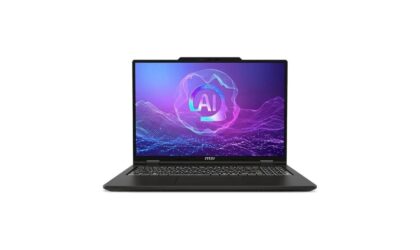
MSI Venture 16 AI (2025)
This is the one I’d pick if I wanted something that feels high-end without overstretching my budget. It’s powerful enough that I can stack plugins, experiment with heavier projects, and not immediately hit performance limits—which is exactly what you want as a beginner figuring things out. The 32GB RAM is kind of a cheat code here. I can run bigger sessions in FL Studio or Ableton Live and not worry about everything choking when I add one more VST. Plus, the larger 16” display makes arranging tracks and editing way less cramped, which I didn’t realize mattered until I tried it.
The Future-Proof Windows Pick
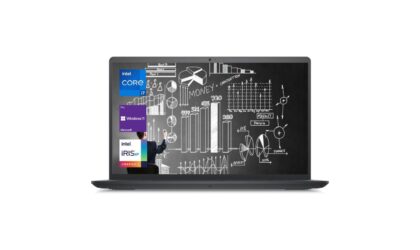
Dell Pro 16 Plus PB16250
If you’re the type of beginner who knows you’re going to stick with music production, this is a really safe long-term pick. It’s not flashy, but it’s efficient, and consistently performs. I like this one because it balances power and battery life really well. I can work on projects for hours without being glued to an outlet, and it handles multitasking in Ableton Live or FL Studio. It’s great for beginners planning to grow into more advanced music.
The All-In Creative Beast
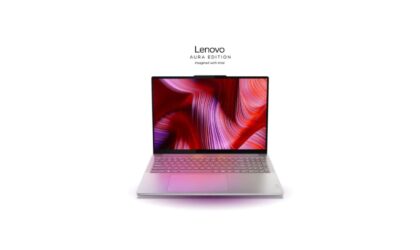
Lenovo Yoga Pro 9i Aura Edition (16″)Title here
If you’re someone who’s not just dabbling—you’re all in on creative stuff (music, video, visuals)—this is the one I’d seriously consider. It’s kind of overkill for a pure beginner, but in the best way possible. What stands out to me is how smooth everything feels when you’re multitasking across creative apps. I can be producing music, editing visuals, and bouncing tracks without the system feeling stressed. And that display? Insanely good—it actually makes long editing sessions way easier on the eyes.
Best computers for beginner music production: Final thoughts
Getting into music production doesn’t mean you need to drop thousands on a studio setup right away—I’ve learned that the hard way. The real goal here is finding a PC that lets you create without friction. Something that won’t lag when inspiration hits, won’t crash mid-session, and won’t make you feel like you chose wrong six months in.
If I had to simplify it: go for reliable performance, enough RAM (16GB minimum), and a setup that fits your lifestyle. Work in a single location? A desktop like the Apple Mac Mini (M4, 16GB RAM) gives you insane value. Record anywhere and everywhere? Something like the ASUS Vivobook S 16 (2026 Edition) or MSI Venture 16 AI (2025) makes way more sense.
Nope, you don’t need the perfect PC—you just need one that gets out of your way so you can open FL Studio or Ableton Live and start creating. That’s where the real progress happens.
Lauren has been writing and editing since 2008. She loves working with text and helping writers find their voice. When she’s not typing away at her computer, she cooks and travels with her husband and two kids.
