

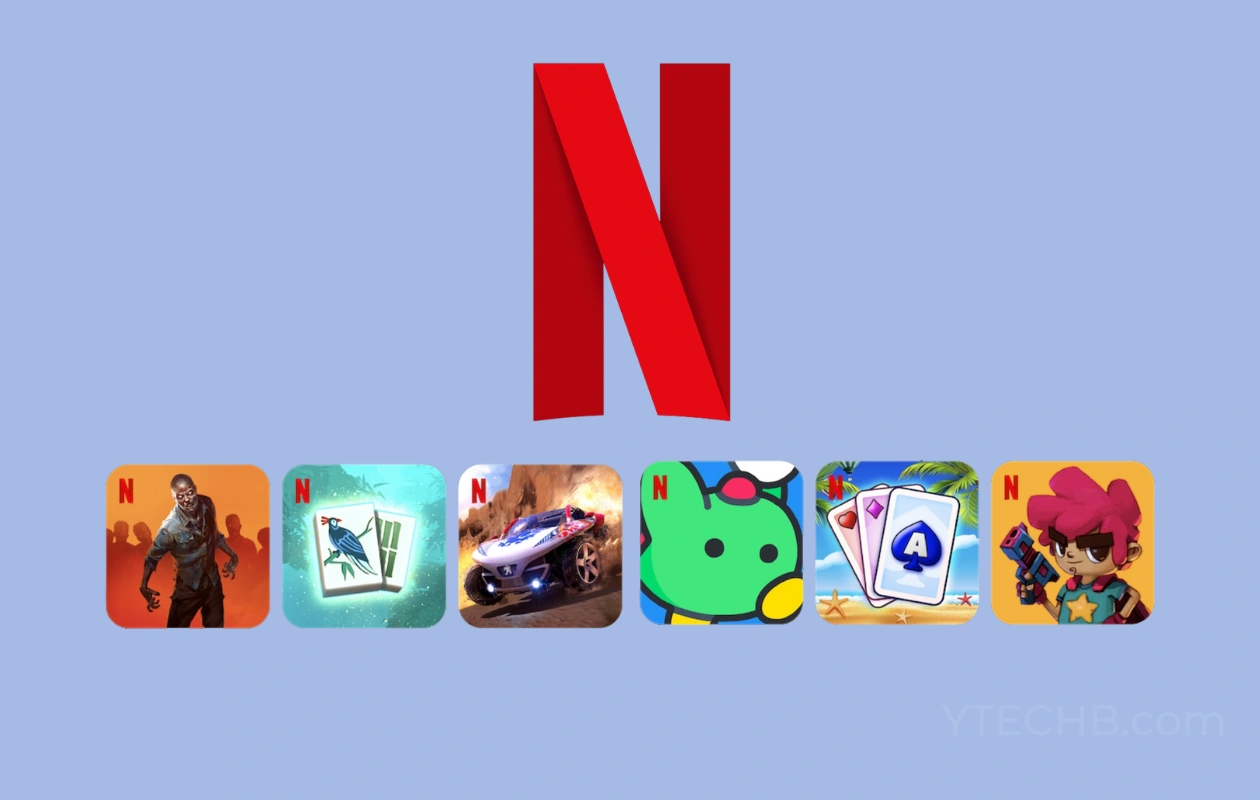
Netflix lets its users play mobile games at no additional cost. This means you would get to play games without having to pay for additional in-game content, as well as an ad-free experience. And since the announcement in 2022, Netflix has added many games to its service. If you have a Netflix subscription, you can play these games. Here is the full list of Netflix Games.
Looking for different ways to play the game can be quite confusing, especially for those who are entering the gaming world for the first time. And so here comes the role of game streaming services like Xbox Game Pass, Amazon Luna, Netflix, and others.
Looking at how Netflix has been in the news, and most of the time has been losing several customers every month. So these free mobile games, along with other Netflix content already available, can help them grow as these games can entertain Netflix users. These games will keep users engaged while also adding new content to widen the streaming options.
With that being said, here is the list of mobile games on Netflix to play on Android as well as on iOS devices.
List of Netflix Games [Android and iOS]
Anyone who has a valid Netflix subscription will be able to access and play these games on their mobile devices for free. No matter what type of subscription plan you have activated on your Netflix account, you get access to Netflix Mobile Games. These games will not be available in browser; you need to use only Netflix mobile app.
Let’s take a look at the important things to keep in mind before moving to the list of Netflix Games for Android and iOS.
Prerequisites
- Android mobile or tablet running on Android 6.0 and up
- iPhone, iPod, or iPad running iOS 15 or iPadOS 15 or newer
- Netflix Subscription
- Wi-Fi connection
- Free space to download and install the game of your choice
Netflix Games List
Here is a list of games that are available for free on Netflix. The list as of now is small and will continue to expand throughout the year.
- Blood Line: A Rebel Moon Game
- Dust & Neon
- Grand Theft Auto: San Andreas
- Into the Dead 2: Unleashed
- Relic Hunters: Rebels
- Rival Pirates
- Snake.io
- Sonic Mania Plus
- Squid Game: Unleashed
- Steel Paws
- TMNT: Shredder’s Revenge
- Tomb Raider Reloaded
- Before Your Eyes
- Dead Cells
- Dragon Up
- Highwater
- Kentucky Route Zero
- Laya’s Horizon
- Lucky Luna
- OXENFREE
- OXENFREE II: Lost Signals
- Scriptic: Crime Stories
- Stranger Things: 1984
- Stranger Things 3: The Game
- This is a True Story
- Twelve Minutes
- Valiant Hearts: Coming Home
- Bloons TD 6
- Bowling Ballers
- Pinball Masters
- Shooting Hoops
- Skies of Chaos
- Sonic Prime Dash
- Street Fighter IV CE
- Teeter (Up) Remastered
- World of Goo Remastered
- Arcanium: Rise of Akhan
- Card Blast
- Exploding Kittens
- Hearts NETFLIX
- World of Peppa Pig
- Hello Kitty and Friends: Happiness Parade
- Heads Up!
- Nailed It! Baking Bash
- Arranger
- Cut The Rope Daily
- Knittens
- Krispee Street
- Puzzle Gods
- Shatter Remastered
- Storyteller
- The Electric State: Kid Cosmo
- Wild Things: Animal Adventures
- Word Trails
- Asphalt Xtreme
- Dungeon Boss: Respawned
- Moonlighter
- Shadow and Bone: Enter the Fold
- TRANSFORMERS Forged to Fight
- Black Mirror: Thronglets
- Cats & Soup
- Country Friends
- Cozy Grove: Camp Spirit
- Farming Simulator 23
- Flutter Butterflies
- Game Dev Tycoon
- Immortality
- Money Heist: Ultimate Choice
- Netflix Stories: Love is Blind
- RollerCoaster Tycoon Touch
- Secrets By Episode
- Single’s Inferno
- Spiritfarer
- SpongeBob: Get Cooking
- The Ultimatum: Choices
- Too Hot to Handle: Love Is a Game
- Too Hot To Handle 2
- Too Hot To Handle 3
- Townsmen: A Kingdom Rebuilt
- Football Manager 2024
- Wonderputt Forever
- Into the Breach
- Narcos: Cartel Wars Unlimited
- Reigns: Three Kingdoms
- Terra Nil
- Mahjong Solitaire
- Solitaire
- The Queen’s Gambit Chess
Now let’s take a look at the steps on how you can access Netflix Games on your iPhone or Android smartphone.
How to Access Netflix Games on Android
Now that Netflix Game is available to everyone, you can easily get it on your Android device. Make sure that you’ve got the updated version of the Netflix app.
- Launch the Netflix app and sign in to your account.
- You will see a tab that says Games. Tap on it.
- It will show a list of games that are available to play on Netflix.
- Once you see the game that you like, tap on the Get Game button.

- The Google Play Store will now open the game’s store page.
- Tap on the green install button to download the game.

- When the game has been downloaded, you will find it on your home screen and also in the Games tab in the Netflix app.
Access Netflix Games on iOS
The same goes for iOS devices. Ensure that the Netflix app is running the latest available update on your iPhone or iPad.
- Open the Netflix app on your iPhone and sign in to access Netflix.
- On the home screen of the Netflix app, you will have to scroll to the bottom.
- A dedicated row called Netflix Games will be displayed.
- It will show a list of games that are available on Netflix Games.
- Now select the game you like by tapping on the Get Game button.
- This action launches the App Store from where you will be able to download and install the game to your device.
- Once you have installed the game you will find it on the Netflix app as well as on your home screen.
FAQs
Here are some frequently asked questions about Netflix Games.
Q. Are all games on Netflix free?
Yes, all the games on the Netflix platform are free to play considering you have a Netflix subscription.
Q. Why Can’t I find Netflix Games?
Netflix Games service is still new. And so you need to make sure your Netflix app is updated. And then you will find the Games section on the app. The games will not be available in Kids profile.
Q. Are Netflix Games mobile only?
Yes, all the games on Netflix are for mobile devices. It includes both Android and iPhones.
This concludes the list of Netflix mobile games. The list will be updated as and when there are new games are added to the service.
So, what do you think of the Netflix Games service? Is anything better than purchasing a subscription to Play Pass on Android and Apple Arcade on iOS? Also, have you played these games on Netflix? Let us know your thoughts in the comments section below.
Also Check:
