

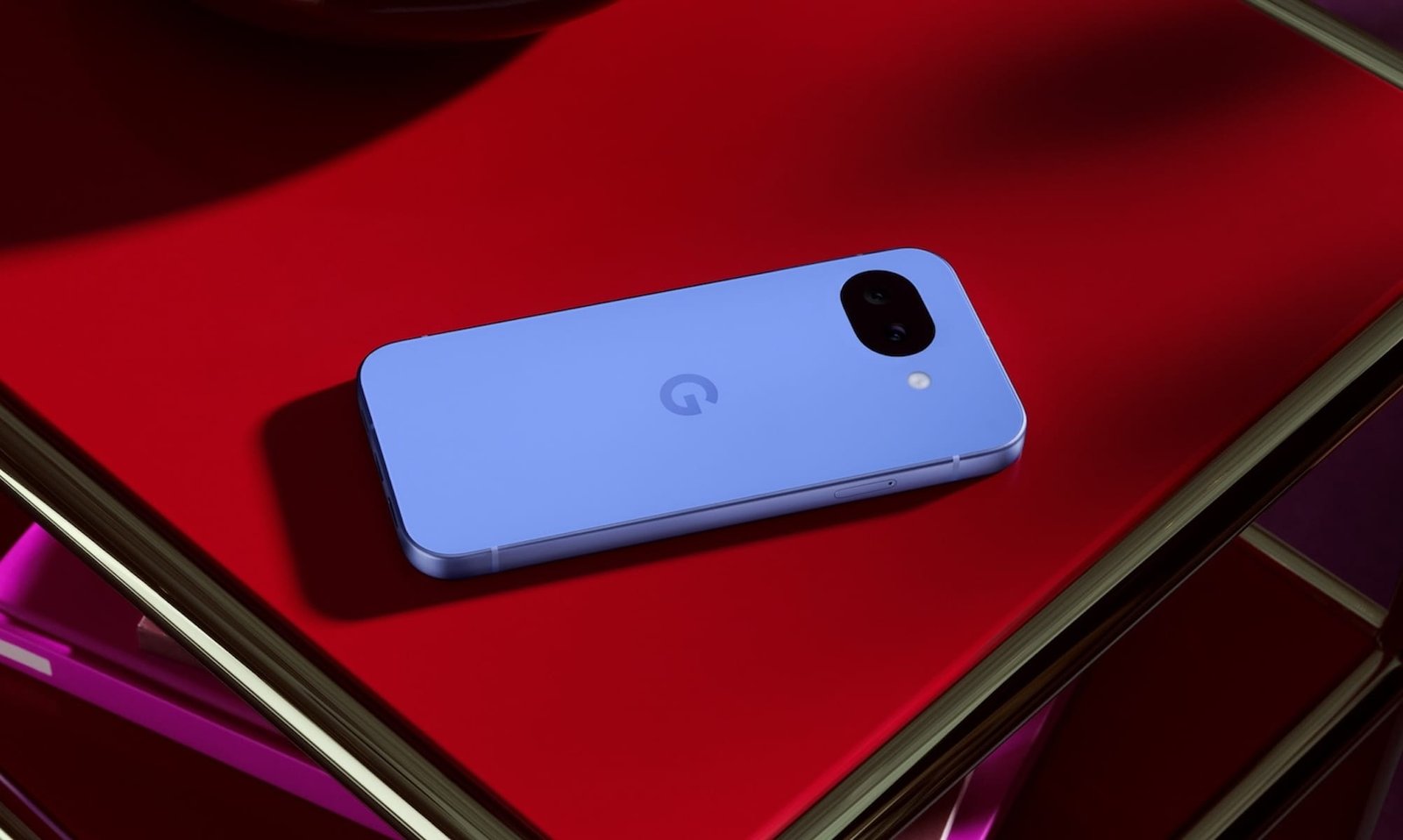
If you’re shopping for a new budget Pixel, you’ve already seen the news: the Google Pixel 10a officially launched on February 18. And while new phone releases usually bring big upgrades, this one’s changes are…slight. That’s why I’m breaking down Google Pixel 10a vs Pixel 9a today.
If you already own the Google Pixel 9a, you might be staring at the spec sheet wondering where the big leap is. You’re not imagining it; this year’s update is incremental.
Still, subtle doesn’t mean identical. Buyers deserve clarity before spending $499, whether they’re upgrading or buying fresh. If you’re after a Pixel 10a review, it’s worthing considering how it actually stacks up against the Pixel 9a.
| Release Date | February 18, 2026 | April 10, 2025 |
| Price (starting) | $499 (trade-in offers available) | $499 |
| Display | 6.3-inch Actua Display | 6.3-inch Actua Display |
| Processor/Chipset | Google Tensor G4 | Google Tensor G$ |
| RAM/Storage Options | 8 GB RAM, 12 GB, 256 GB | 8 GB RAM, 12 GB, 256 GB |
| Rear Cameras | Dual System, 48 MP Wide, 13 MP Ultrawide Super Res Zoom up to 8x and optical quality at 0.5, 1×16 | Dual System, 48 MP Wide, 13 MP Ultrawide Super Res Zoom p to 8x and optical quality at 0.5, 1×16 |
| Front Cameras | 13 MP | 13 MP |
| Software | Android 16 | Android 15 |
| Build/Durability | Corning Gorilla Glass 7i, Composite Matte Back with Satin Aluminum Frame, Fingerprint Resistant Coating, IP68 Dust and Water Resistance | Corning Gorilla Glass 3 Cover Glass, Composite matte bat with Satin Metal Frame, Fingerprint-Resistant Coating, IP68 Dust and Water Resistance |
| Colors | Lavender, Berry, Fog, Obsidian | Iris, Peony, Porcelain, Obsidian |
| Brightness | Up to 2000 nits (HDR) and p to 3000 nits (Peak Brightness) | Up to 1800 nits (HDR) and up to 2700 nits |
| Contrast Ratio | 2,000,000:1 | 1,000,000:1 |
| Battery Life | Up to 120-hour battery life with Extreme Battery Saver | Up to 100-hour battery life with Extreme Battery Saver |
| Fast Charging |
Up to 50% in about 30 minutes using 45W USB-C PPS charger or higher | Fast charing |
| Wireless Charging | Wireless Charging (Qi-certified) | Wireless Charging (Qi-certified) |
Google Pixel 10a vs Pixel 9a: Display & Design
To start, the Pixel 10a and 9a have exactly the same dimensions: 6.1″ high, 2.9″ wide, and 0.4″ thick. The Pixel 10a is slightly lighter, 6.5 oz vs 6.6 oz. The displays, too, have the same size and resolution: 6.3‑inch Actua OLED with adaptive 60–120Hz refresh. But here’s where we see some deviations.
The Pixel 10a’s display can reach up to 3000 nits peak brightness, compared with the Pixel 9a’s 2700 nits peak. For everyday phone use, that means better visibility under direct sunlight and more vibrant HDR content.
Meanwhile, there are some small design alterations on the Pixel 10a: the 10a uses Gorilla Glass 7i, a generational jump in cover glass protection over the 9a’s Gorilla Glass 3. That alone makes the newer model more premium. The Pixel 10a also has a satin aluminum frame instead of the Pixel 9a’s satin metal frame.
So if display clarity and build durability are priorities for you, the 10a gets a win here, even if the overall look and feel are familiar.
Google Pixel 10a vs Pixel 9a: Performance & Software
Both the Pixel 10a and the Pixel 9a run on Google’s Tensor G4 chip with 8GB of RAM, and both offer 128GB and 256GB storage options.
What that means in everyday use:
- Apps open quickly
- Multitasking is solid
- AI features feel responsive
- Performance is about the same in day‑to‑day tasks
Nothing about the basic hardware suggests a huge generational leap, and that’s okay for a mid‑range refresh. But it also means that if you already have a Pixel 9a, the 10a won’t knock your socks off.
Where the 10a does have an edge is software freshness. It comes with with Android 16 out of the box, while the 9a launched with Android 15 (and can be updated).
I’m a big believer in letting the phone do the talking via experience rather than raw numbers, and for that reason, this section feels more like a draw than a real win for either model.
Google Pixel 10a vs Pixel 9a: Cameras
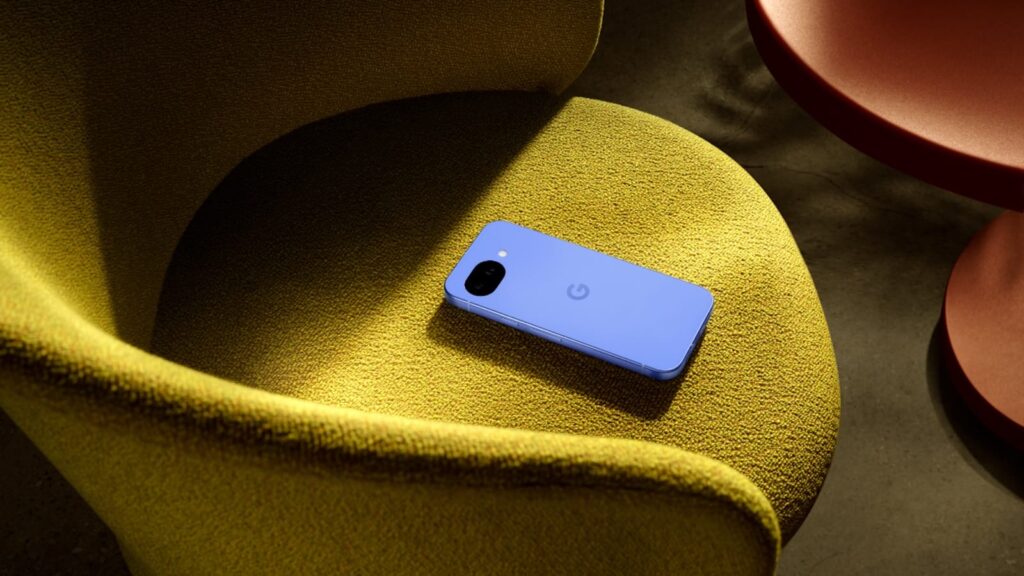
When it comes to camera arrays, both phones use the familiar 48MP main + 13MP ultrawide camera combo and a 13MP selfie camera. Hardware-wise, the specs are extremely similar, but Google has made some small, thoughtful tweaks on the Pixel 10a camera setup.
For one, the Pixel 10a now has a flat camera module. The 9a’s module was slightly rounded and protruded just a fraction of a millimeter. Google improved this by making the phone 0.1mm thicker, and the result is a cleaner, sleeker profile. The 10a is also 2g lighter and a bit shorter and narrower than the 9a. But these are changes you won’t feel unless you’re holding both phones side by side.
On top of that, the 10a camera has some interesting software additions from the Pixel 10: Camera Coach and Auto Best Take. Camera Coach suggests ways to improve a scene for a better photo result. Auto Best Take enhances group photos. It takes multiple shots when you press the shutter button, then merges the best images so that everyone looks their best.
In short: the hardware is mostly the same, but the flat camera module, small size tweaks, and software polish give the Pixel 10a a slightly more refined feel.
Google Pixel 10a vs Pixel 9a: Battery Life & Charging
Battery capacity on both phones is 5100 mAh, again, identical on paper.
However, their real‑world battery behavior is a little different:
- The Pixel 10a battery life can reach up to about 120 hours in Extreme Battery Saver mode
- Pixel 9a is rated up to 100 hours in the same mode
I’ll be honest, if you’re a normal user, you likely won’t hit 120 hours often. But that extra cushion is nice if you travel, go off‑grid, or just want peace of mind between charges.
Charging speeds also differ slightly. Pixel 10a supports roughly 30W wired and 10W wireless charging, whereas Pixel 9a’s wireless speed maxes out lower.
So overall battery experience? Strong on both. But I’d give a slight edge to the 10a because of more flexible charging and longer Extreme Saver life.
Google Pixel 10a vs Pixel 9a: AI, Security & Long‑Term Updates
One of the biggest unsung advantages of these phones is that both include Google’s Gemini Nano AI suite. It’s a powerful array of on-board AI that really eases everyday use.
Specifically, you’re getting:
- Live Translate
- Circle to Search
- Pixel‑grade editing tools
- Gemini features that support typing, photos, and contextual help
And crucially, both phones will stay updated well into the 2030s. It’s great if you plan to hold your device for years. This is one area where Google absolutely wins in the budget segment. You’re not sacrificing future‑proofing for affordability.
Google Pixel 10a vs Pixel 9a: Durability and Build
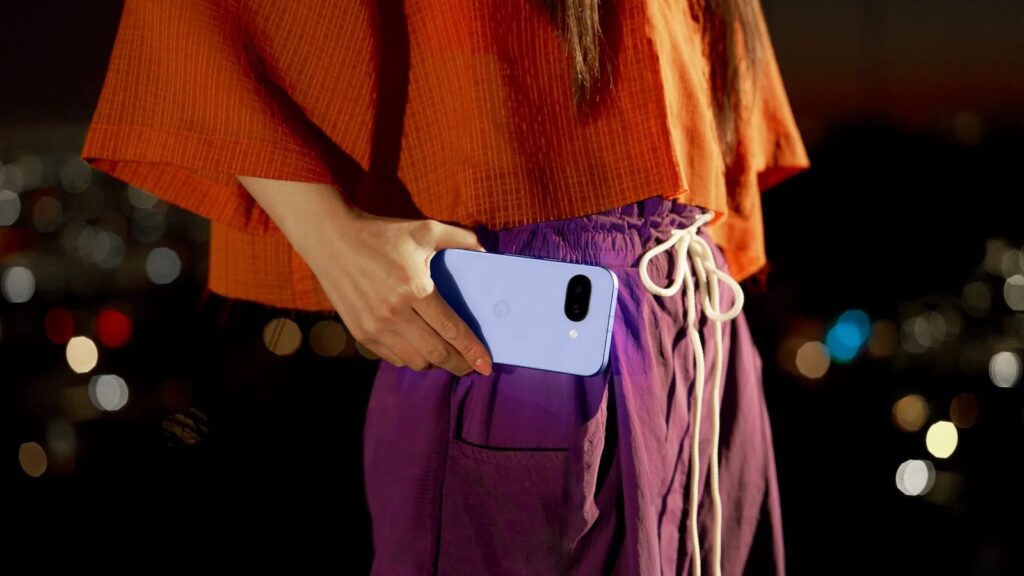
The Pixel A series has always been about practicality for everyday life—whether it’s a teen, a college student, or a parent who wants a phone that can handle whatever the day throws at it. These phones are built to survive the bumps, spills, and drops.
The Pixel 10a continues the tradition, with a small but meaningful upgrade in durability. Both the 9a and 10a have IP68 water and dust resistance, but the 10a now sports Gorilla Glass 7i, which is noticeably tougher than the 9a’s Gorilla Glass 3.
Add to that a refined color palette—Lavender, Berry, Fog, and Obsidian—and the 10a is also pretty stylish in 2026.
Google Pixel 10a vs Pixel 9a: Price & Value
Overall, the Pixel 10a is a capable phone that doesn’t break the bank. It’s currently priced at $284, with trade-ins, or $499 full price. Meanwhile, the Pixel 9a also costs around $499. Without the trade-ins, the price is the same.
To get a good idea of the 10a’s value, we have to consider the updates, even if they seem minimal. With the Pixel 10a, you’re essentially getting a brighter screen, flat camera face, faster charging, and improved AI camera features, plus 7 years of updates for the same or lower price.
That’s a big deal, and I’ll discuss it more at the end of this blog.
Pixel 10a Pros and Cons
Pros
- ✅ Brighter peak display & better visibility
- ✅ Gorilla Glass 7i
- ✅ Longer Extreme Battery Saver life
- ✅ Faster charging
Cons
- ❌ Incremental upgrade
- ❌ Same core chipset
Pixel 9a Pros and Cons
Pros
- ✅ Still a great all‑around Pixel at $499
- ✅ Expect discounts now that it’s not the newest
- ✅ Same seven-year update window
- ✅ Excellent camera for the category
Cons
- ❌ Older Gorilla Glass
- ❌ Slightly dimmer panel
- ❌ Doesn’t have as many AI camera features
Verdict: Which one should you buy?
So, after examining both phones on paper, here’s my honest take on Google Pixel 10a vs Pixel 9a:
- If you already own a Pixel 9a, this is not a must‑have upgrade. The core experience: CPU, core cameras, AI suite, battery, is nearly identical to last year’s model.
- However, if you’re buying new today, go for the Pixel 10a. The brighter display, tougher glass, newer OS, and current launch deals give you a bit more for the same MSRP.
- But If price is everything, you could wait for a discounted Pixel 9a. You won’t feel like you’ve made a huge sacrifice, and you’ll enjoy excellent Pixel performance for under $500.
Either way, both phones offer strong value in the under‑$600 segment. It’s just a matter of how much the improvements matter to you.
