

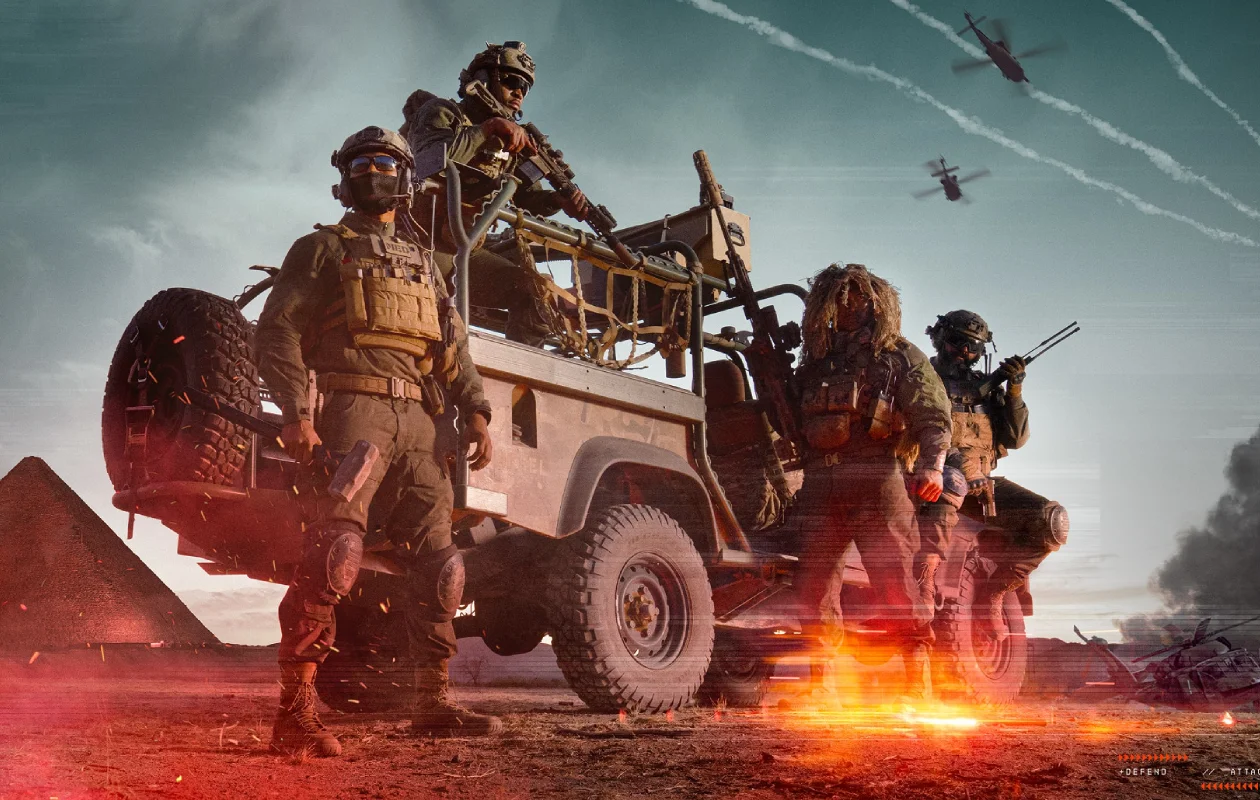
One of the best FPS games is currently undergoing live open beta testing. Yes, we are talking Battlefield 6 – the game that you should be picking over Activision’s Call of Duty: Black Ops 6. Its second week of open beta tests has just ended on August 18.
Well, if you are someone who has played through the first open beta and second open beta for Battlefield 6 and were wondering how you could check out your stats as well as other players’ stats, then you’ve come to the right place.
How to View Player Stats in Battlefield 6 Open Beta?
Yes, this is the biggest question that a lot of players who have played the open beta of Battlefield 6 have been asking. Why? Well, that’s because the game does not let you view your stats as of now. However, once the game’s stable and official launch takes place on the 10th of October, players will be able to check out and view their stats in-game.
So, what do players do now? Well, EA, the developers for Battlefield 6, know that players would be looking for a way to get their stats, and they have provided the players with a way to check out their personal stats. So, let’s take a look at how you can check out the personal player stats for Battlefield 6.
- Using your favorite web browser, head over to the official Battlefield 6 stats page provided by EA.
- Now, enter your EA player ID in the player ID text box and hit the search icon next to the text box.
- Once the page finds your player ID, you will be able to see all the stats of your gameplay from the weekend 1 open beta.
What Stats Can You View From the Battlefield 6 Stats Page?
So, from the stats page, here’s a list of all the details you can see from the time you have played the open beta for Battlefield 6.
- Assists & Revives
- Kill/Death Ratio
- Matches Played
- Most Played Class
- Most Played Game Mode
- Shot Accuracy
- Total Kills
- Total XP
With your stats visible via the Stats Page for Battlefield 6, you can easily download these stats and even choose to share them with your friends via your choice of social media platform.
Third-Party Sites to view Battlefield 6 Player Stats
Tracker.gg is a third-party site that lets you track all of your player stats for Battlefield 6. This third-party stats website gives you stats for the following items
- View player profile
- View weapon statistics
- Compare rankings on the leaderboards
Tracker.gg will also be updated to display stats of the player once the game reaches its stable official launch on the 10th of October 2025.
Can You View the Stats via the Battlefield Companion App?
The Battlefield Companion app is a great app that lets you view your battlefield profile, as well as the stats and the necessary details about your player profile. As of now, the Battlefield Companion app does not display player stats for Battlefield 6 due to the game currently being in open beta stage.
However, once the game reaches its stable release on October 10, 2025, you can expect the Battlefield Companion app to support player stats for Battlefield 6. So far, nothing official has been confirmed yet, so for the time being, don’t think much about the Battlefield Companion app.
Can You View Battlefield 6 Player Stats on Console?
While the open beta for the game is live on the Xbox and PlayStation platforms, you will not be able to see the player stats in-game. The only possible ways to check your player stats are via the Tracker.gg website or via EA’s official player stats page for Battlefield 6.
How To Improve Your Player Stats for Battlefield 6?
There are many ways to improve your player stats for Battlefield 6. As a player of the game, you should learn the layouts of the map. This helps you get a good idea of where the enemies will be moving around and also get a good grasp of where you can hide from the enemies and good places to peek so you can take down your enemies.
Play around with your loadouts. Picking up weapons that are the best not only for the game, but also for you, is important. Make use of the necessary attachments and grips that will help you keep the weapon in control and always have good accuracy. Also, having the right weapons based on your role is equally essential.
Play with your friend or join a random team. This gives you a good idea of how to balance between planning out and coordinating. Also, you might get tips and additional tricks from the other players.
Completing all the objectives is essential to bring up your stats. Additionally, practicing around is also good so that you have a good mental idea of what you are doing in the game instead of being lost and having no clue what you need to do. Additionally, checking out your favorite top Battlefield 6 players on platforms such as YouTube and Twitch will also help you take mental notes of things that they tell you are important and then put them into practice to see how well it goes for you.
Finally, you can also play around with the game settings and make adjustments to various elements that are significant to you. Try out these settings and test them out to see what suits your play style.
Battlefield 6 Open Beta Weekend 2 Details
The second weekend of the open beta for Battlefield 6 has already ended. It started from 14th of August 2025, and ended on the 18th of August 2025. There will be no third wave and players need to wait for the public release.
Battlefield 6 System Requirements
Here are the minimum and recommended system requirements that your PC needs to meet in order to enjoy Battlefield 6.
Minimum System Requirements
- OS: Windows 10 64-bit
- CPU: Intel Core i5 8400 or AMD Ryzen 5 2600
- RAM: 16 GB
- GPU: Nvidia GeForce RTX 2060 or AMD Radeon RX 5600 XT 6 GB
- Storage: 55 GB
Recommended System Requirements
- OS: Windows 11
- CPU: Intel Core i7 10700 or AMD Ryzen 7 3700 X
- RAM: 16 GB
- GPU: Nvidia GeForce RTX 3060 Ti or AMD Radeon RX 6700 XT
- Storage: 80 GB
Make sure that your system has TPM 2.0, UEFI Secure Boot enabled, and has HVC and VBS Capability.
Closing Thoughts
This concludes everything you need to know about the open Beta of Battlefront 6 and also how you can check out the player stats. So, have you already played the open beta? If so, share your experience about the game in the comments section below.
Also Check:

1 Comment
Excellent article! Your points are well-articulated and persuasive.