

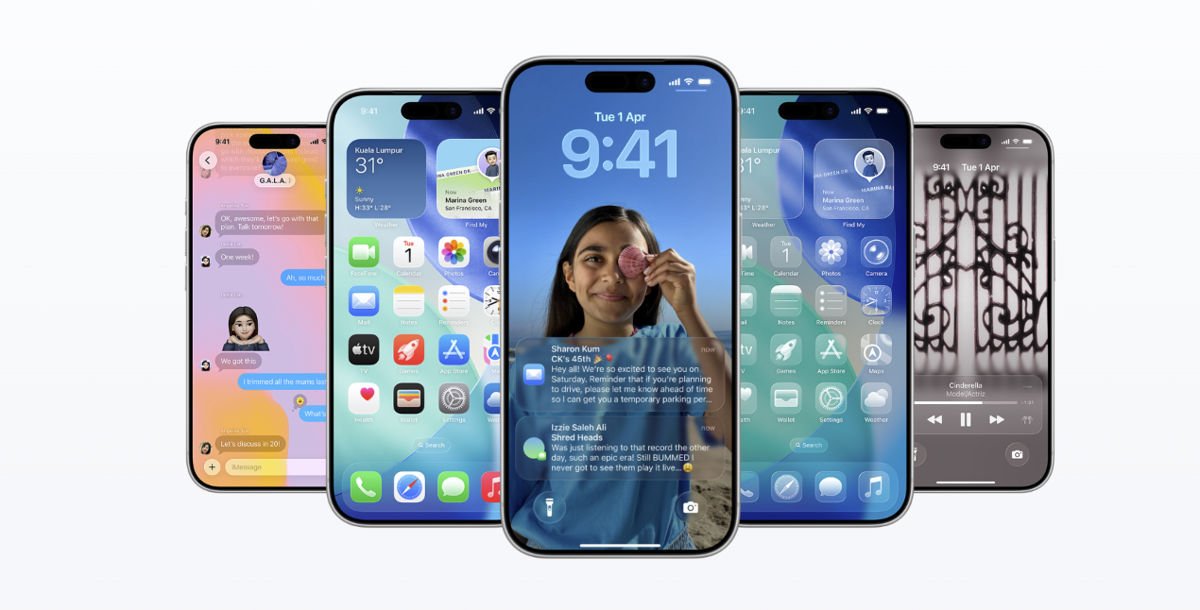
The UK has been tightening its grip on online content for a while now, mostly pushing social media platforms and adult websites to verify user ages under the Online Safety Act. Apple wasn’t actually required to do any of this at the iOS or App Store level. It did it anyway. With iOS 26.4, UK iPhone users are now being prompted to confirm they’re 18 or older, and skipping that prompt has real consequences for how your device works. UK regulators at Ofcom praised the move, calling it a win for child safety.
After installing iOS 26.4, UK users see a prompt asking them to confirm they’re an adult. Apple gives a few ways to do it. If you’ve had an Apple account for a long time or already have a credit card on file, the verification can happen automatically in a couple of seconds. If not, you’ll need to either link a credit card or scan a government-issued ID to complete the process.
What happens if you skip it?
If you decide you’d rather not verify your age, Apple will treat your account like it belongs to a minor. That means the Web Content Filter turns on and starts blocking websites Apple classifies as explicit. This is applied across Safari and third-party browsers. Communication Safety also activates, which blurs images and videos containing nudity in Messages and FaceTime. Access to certain age-restricted apps gets restricted too.
For users who don’t have a credit card or a qualifying ID, options are limited. Some UK users have reported being stuck, with no easy alternative path through the verification process.
Apple confirmed it may also use signals like account age or payment history to verify users automatically where possible. Any ID or card information shared won’t be stored unless the user chooses to save it for something else. The rollout currently covers the UK, though age verification is becoming a broader trend across the industry, with similar pressure building in the US and other markets.
