

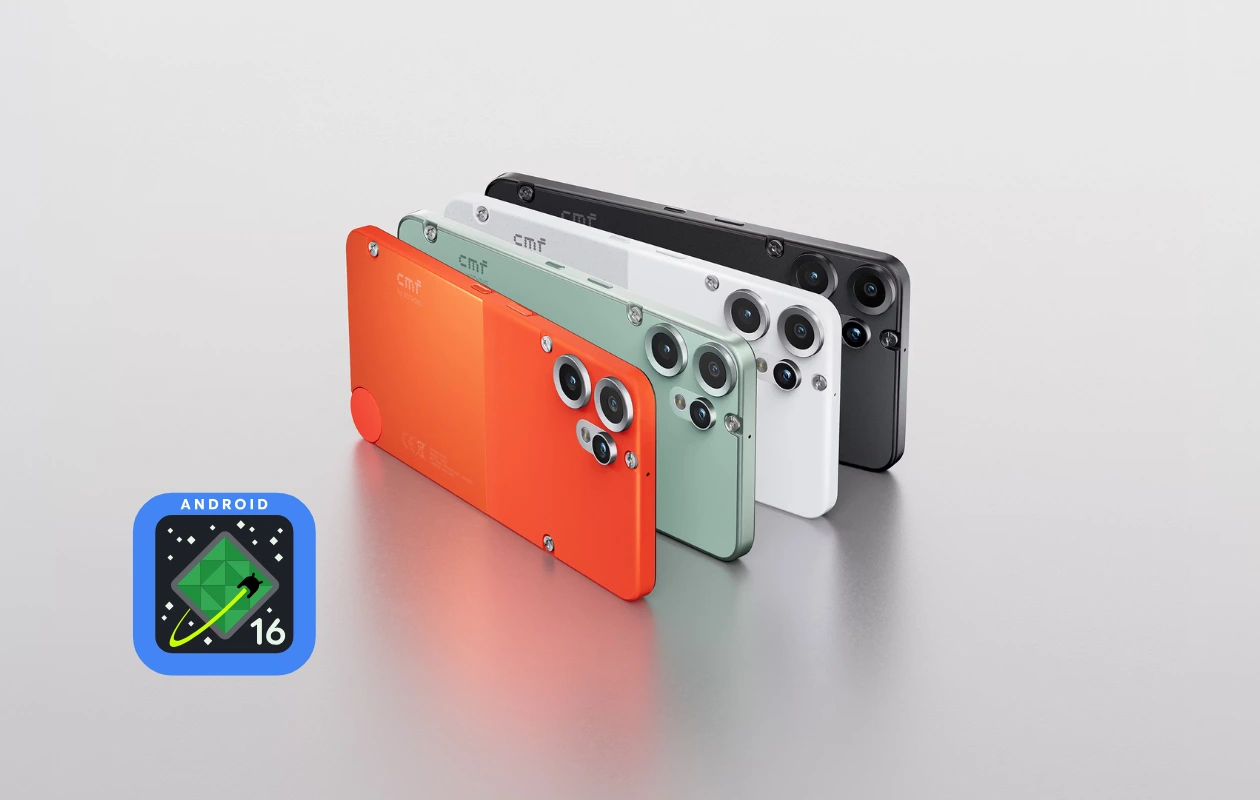
Last week, Nothing mentioned that the CMF Phone 2 Pro would soon receive the Nothing OS 4.0 update. Fortunately, the Android 16-based Nothing OS 4.0 is now being rolled out for the CMF Phone 2 Pro. This is the first major update for the device, introducing a bunch of new features.
Nothing has already rolled out the major update for most of the Nothing phone lineup, including the CMF Phone 1, which received the update just last week. Now, Nothing has also started rolling out the stable Nothing OS 4.0 for the CMF Phone 2 Pro.
As usual, Nothing officially announced the update on the community page with all the details. The Nothing OS 4.0 update for the CMF Phone 2 Pro comes with build number B4.0-251218-2326. Since this is a major update, it’s available in multiple GBs, so make sure to download it over WiFi.
CMF Phone 2 Pro Nothing OS 4.0 Changelog
Now let’s talk about the interesting part of the update: changes and features. The Nothing OS 4 update brings a bunch of new features to the CMF Phone 2 Pro, including visual improvements, new camera features, and more. Here’s the official changelog of the update.
New Features
- Added AI usage dashboard. When using Essential Space, it automatically tracks AI large model usage for enhanced privacy transparency. Path: Settings > Intelligence toolkit > AI usage.
- Hiding apps directly from the home screen and App drawer is now supported. Find hidden apps via: Home screen > App drawer > Hidden icons.
- Managing the search scope is now supported in App drawer to display results within a specific scope.
- Added more size options for Weather, Pedometer, Screen Time widgets.
- 2×2 size is now supported for most QuickSettings tiles.
- Pop-up view now supports two floating icons for easier switching.
- System upgrade supports app optimization to improve startup speed. Path: Settings > Apps > App optimization.
- Setting different ringtones for dual SIMs is now supported.
Essential Innovations
- Introducing Playground (Alpha) — come to experience unique creations from the Community, including Essential Apps, Camera Presets, and EQ Profiles.
- Essential Apps (Alpha) are now open for download. Enjoy the AI-powered, community-crafted apps that blend creativity with efficiency.
Notes: For more details of Playground & Essential Apps, please visit https://playground.nothing.tech.
Visual Enhancements
- Nothing app icons have been redesigned with an all-new, fresh look.
- Updated status bar icons with a more intuitive look.
- Added 2 new lock screen clock faces in Customization.
- Extra dark mode is now available, bringing a more immersive dark style. Path: Settings > Display > Dark theme > Extra dark mode.
Camera Enhancements
- Presets: Updated default list with new popular styles.
- Filters: Added intensity adjustment and exclusive ‘Stretch’ styles.
- Watermarks: Introduced new Nothing brand watermarks and artistic frames.
Those who own the CMF Phone 2 Pro can check for the Nothing OS 4.0 update in Settings. Since it’s a staged rollout, the update might not be available for some users yet. However, it will be available soon. Make sure to take a backup of your device before installing the update.
Related News:
