

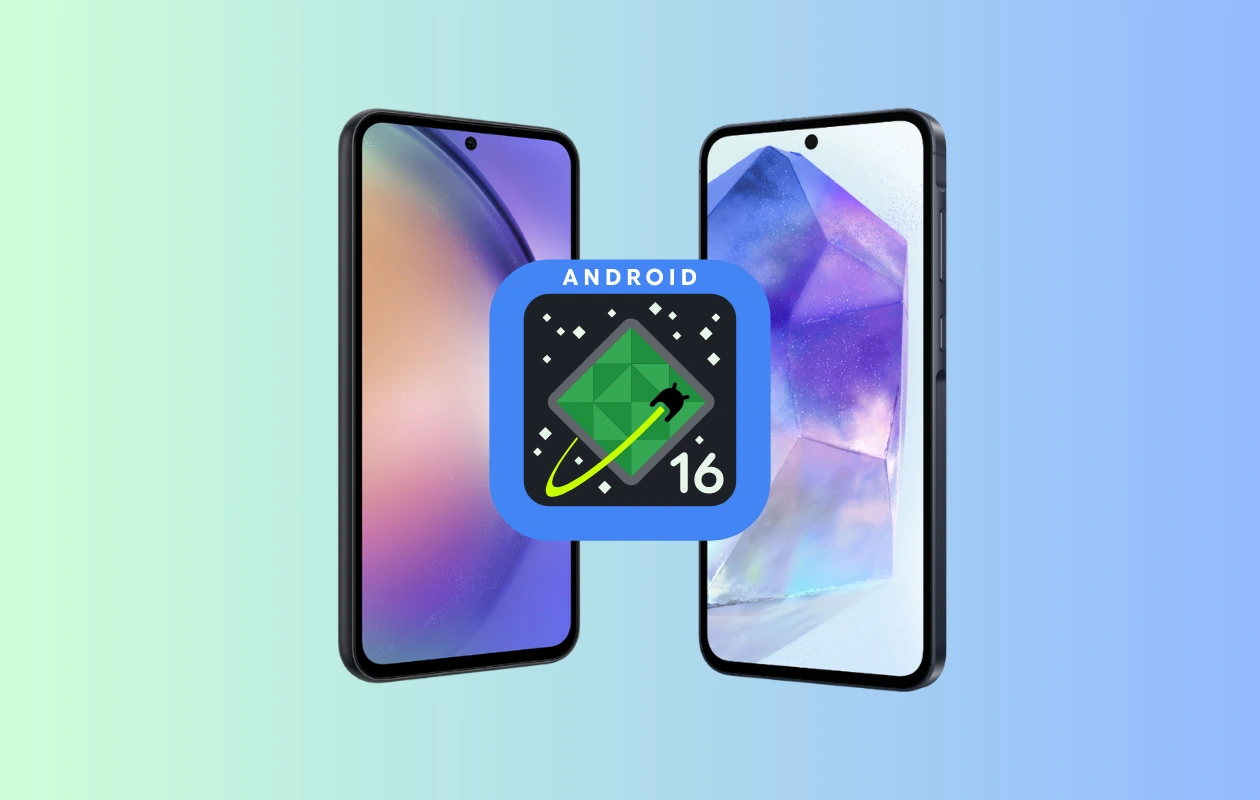
Samsung has released the Android 16-based One UI 8 beta for the Galaxy A55 and Galaxy A54. These are the first two budget phones to join the One UI 8 beta program. Today, the Galaxy S23 series also received the first One UI 8 beta. However, here we’ll focus on the One UI 8 beta for the Galaxy A55 and Galaxy A54.
Update: The One UI 8 beta is also live for the Galaxy A35 with build version ZYH6.
The One UI 8 beta program for both the Galaxy A55 and Galaxy A54 is live in India. In early August, Samsung announced the list of devices that would receive One UI 8 beta, including the Galaxy A55 and A54. Since two of the budget phones have now received the beta, it’s likely that other eligible budget phones, such as the Galaxy A36 and Galaxy A35, will also get the beta soon.
The first One UI 8 beta update for both the Galaxy A55 and the Galaxy A54 has build version ZYH6. It is a big update that weighs around 2GB, so if you’re planning to join the beta program, make sure to use WiFi for downloading the update.
One UI 8 is a big update based on Android 16 and brings various new features and improvements. Fortunately, most of these features are now also available for budget phones. As expected, some features may not be included due to hardware limitations.
With the One UI 8 update, you’ll get an improved Quick Share, find downloaded files easily, enhanced split screen, new Reminder interface, new preset routines, new and quicker controls in camera, enhanced security and privacy, and many other features.
If you’ve a Galaxy A55 or Galaxy A54 in India, you can easily enroll in the One UI 8 beta program. First, open the Members app and make sure it’s up to date. You’ll see a One UI 8 beta banner; if not, tap on the Notice/speaker icon and then tap on the One UI 8 banner. Scroll to the last and choose the Beta Program home, which will open a new window.
In the Beta Programme page, choose the available One UI 8 beta option and join the program. Once registered in the beta program, the beta update will be available on your device via OTA channel.
Since you’re switching from stable to beta, it’s advisable to take a full backup of your data just in case. Also, make sure your device has at least 50% battery charge.
Also Check:
