

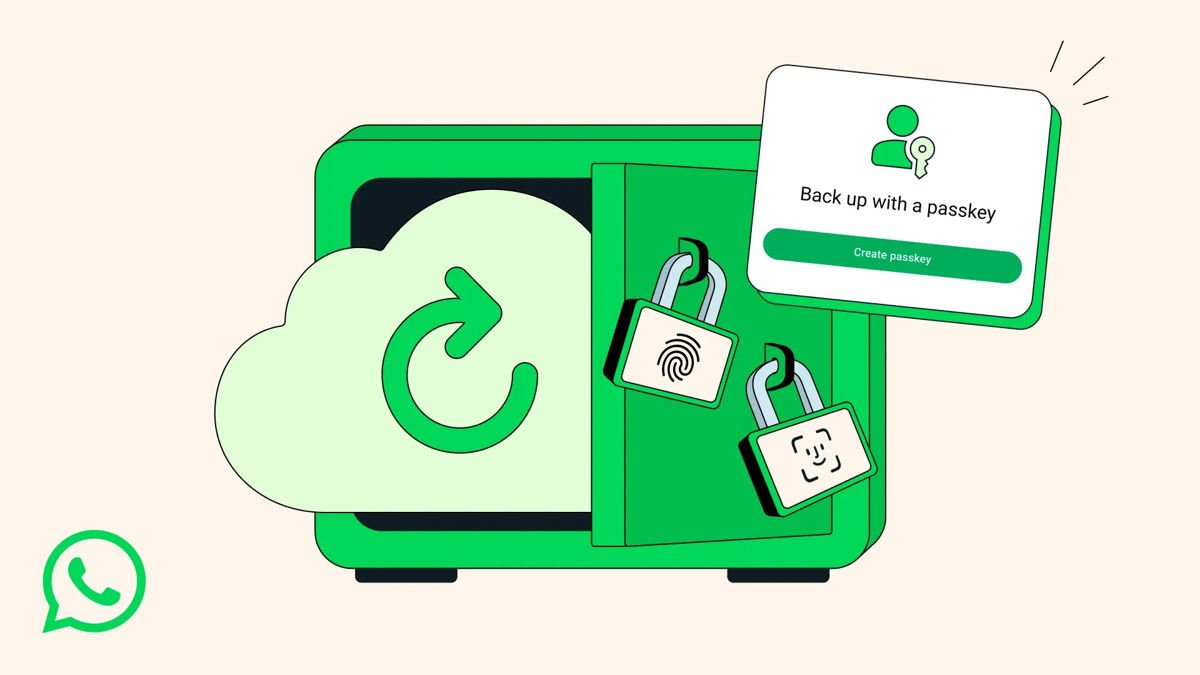
WhatsApp’s keeping things simple. The messaging giant announced passkey support for end-to-end encrypted chat backups, which means you can finally ditch those backup passwords for good.
Starting now, users can secure their WhatsApp backup with a fingerprint, face scan, or whatever screen lock code they’re already using on their device. No more wrestling with a 64-character encryption key or trying to remember yet another password. The feature works on both iOS and Android, and it’s rolling out gradually over the next few weeks to months.
Here’s how it works. Passkeys are built on FIDO2/WebAuthn standards, basically the same tech that’s slowly replacing passwords across the web. Instead of storing a password somewhere (that you’ll inevitably forget), your device uses cryptographic keys that never leave your phone. When you need to restore or encrypt a backup, your biometric data or screen lock becomes the key. No typing, no memorizing, just tap or glance.
This builds on WhatsApp’s encrypted backup feature from 2021, which was already a step up from unencrypted cloud backups. But let’s be honest, asking people to remember a backup password or save a 64-digit key wasn’t exactly user-friendly. Passkeys fix that problem while actually improving security, since biometric authentication is harder to crack than most passwords people choose.
How to enable passkey support for WhatsApp backups
- Open WhatsApp on your device
- Go to Settings
- Tap Chats
- Select Chat backup
- Tap End-to-end encrypted backup
- Follow the prompts to enable passkey authentication
Keep in mind that WhatsApp is rolling this out gradually, so the passkey option might not show up immediately for everyone. Once enabled, your message history, photos, and voice notes stay protected behind your fingerprint or face scan instead of a password you’ll probably forget. The rollout is expected to reach all users within the next few weeks to months.
