

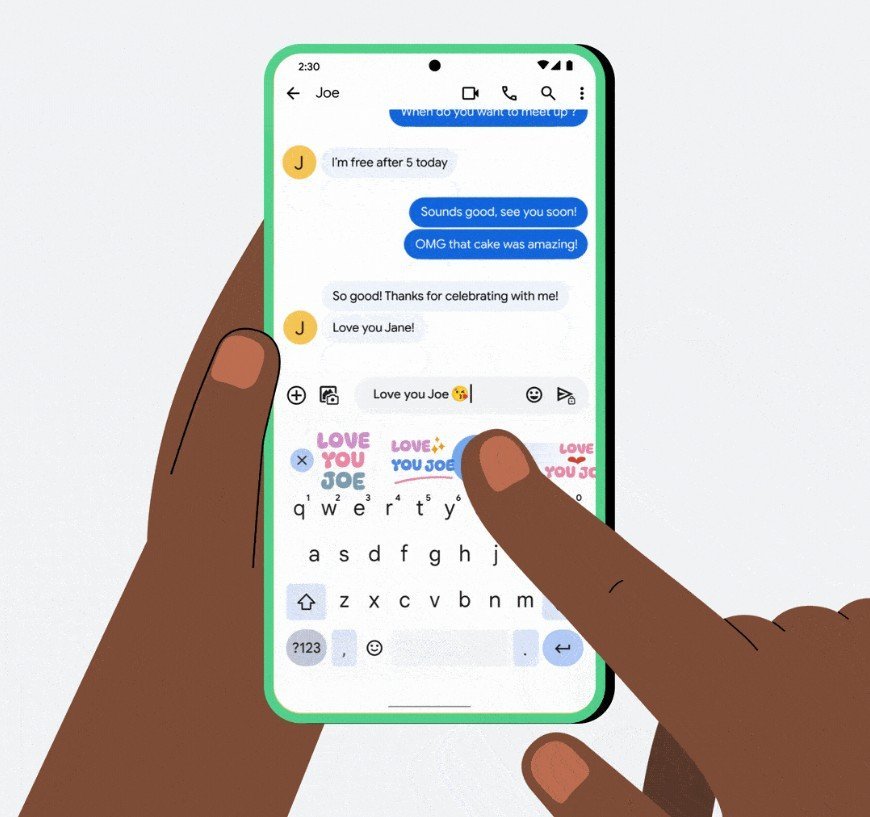
Placing your cursor exactly where you want it on Android has always been a pain. You tap somewhere in your text, hope it lands in the right spot, then awkwardly drag the insertion point around until it’s close enough. Google’s finally working on a fix. A new Gboard trackpad mode discovered in the latest beta turns your keyboard into a virtual trackpad when you hold down the space bar.
Android Authority found the feature hiding in Gboard version 16.8.2.867538971-beta-arm64-v8a. Hold the space bar and the keyboard transforms into a touch area. A virtual cursor appears and you can drag it anywhere on screen to move your text insertion point. Unlike the current glide cursor that only swipes left and right along the space bar, this new Gboard trackpad mode lets you move in any direction.
Image credit – Android Authority
The current glide cursor control forces you to keep swiping until you hit the end of a line just to jump up or down. That’s fine for small edits but becomes frustrating when you need to fix something several paragraphs up. The new trackpad mode solves that by letting you drag the cursor vertically, diagonally, or even off the keyboard area entirely.
iPhone users have had this for years
Apple’s keyboard has offered this exact functionality for ages. Press and hold the space bar on an iPhone and you get a trackpad. Android users have been stuck with worse solutions, even though Gboard is one of the most customizable keyboards around. Third-party options like Microsoft SwiftKey include similar features, but Gboard ships on virtually every Android phone sold globally.
The feature isn’t live yet for most users. Google appears to be testing it behind server-side flags, so availability varies even among beta users. There’s no official rollout timeline, and it’s unclear whether the new mode will replace the current glide cursor or exist alongside it as an option.
For people who type long emails, edit documents, or write anything beyond quick messages, this could actually matter. Reaching a tiny cursor near the top of a 6.7-inch screen with your thumb is awkward. A keyboard-level trackpad lets you keep your hand anchored while steering the cursor exactly where it needs to go.
