

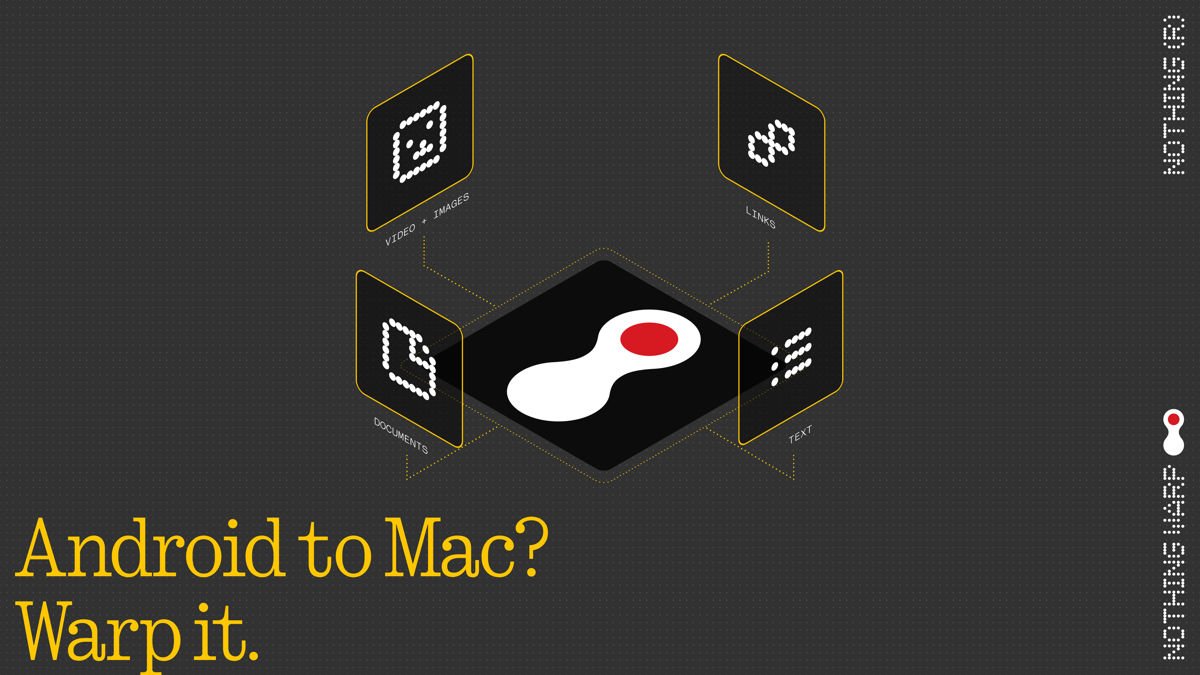
You needed a photo or link from your phone on your computer, so you emailed it to yourself or fumbled around with a cable. Nothing wants to put an end to that. The London-based brand just launched Nothing Warp, a free app that handles Nothing Warp file transfer between your Android phone and your computer without cables, third-party cloud services, or digging through your messages to find something you sent yourself five minutes ago.
Setup is straightforward. On the computer side, you install a lightweight Chrome extension, which works across Chrome-based browsers including Edge and Arc, on macOS, Windows, and Linux. On your phone, you scan a QR code to grab the Android app or download it directly from the Google Play Store. Once both devices connect through the same Google account, the app plugs into Android’s native share menu. From that point, sharing anything across works just like tapping any other app in the share menu. Files, links, copied text, and images all move the same way.
Privacy-First, No Third-Party Servers
One detail worth calling out: Nothing Warp routes transfers through your own Google Drive rather than through Nothing’s servers. That means Nothing doesn’t store or touch your data in transit. It also means you’ll need a Google account to use it, but for most Android users that’s already a given.
Nothing is framing this as an early community project, which suggests the feature set will grow based on user feedback. That tracks with how the company has been handling its Essential Apps platform and Essential Apps Builder beta. Release early and then iterate with community feedback. Nothing Warp file transfer is available now through the Chrome Web Store and Google Play, and it works on any Android device, not just Nothing phones.
