

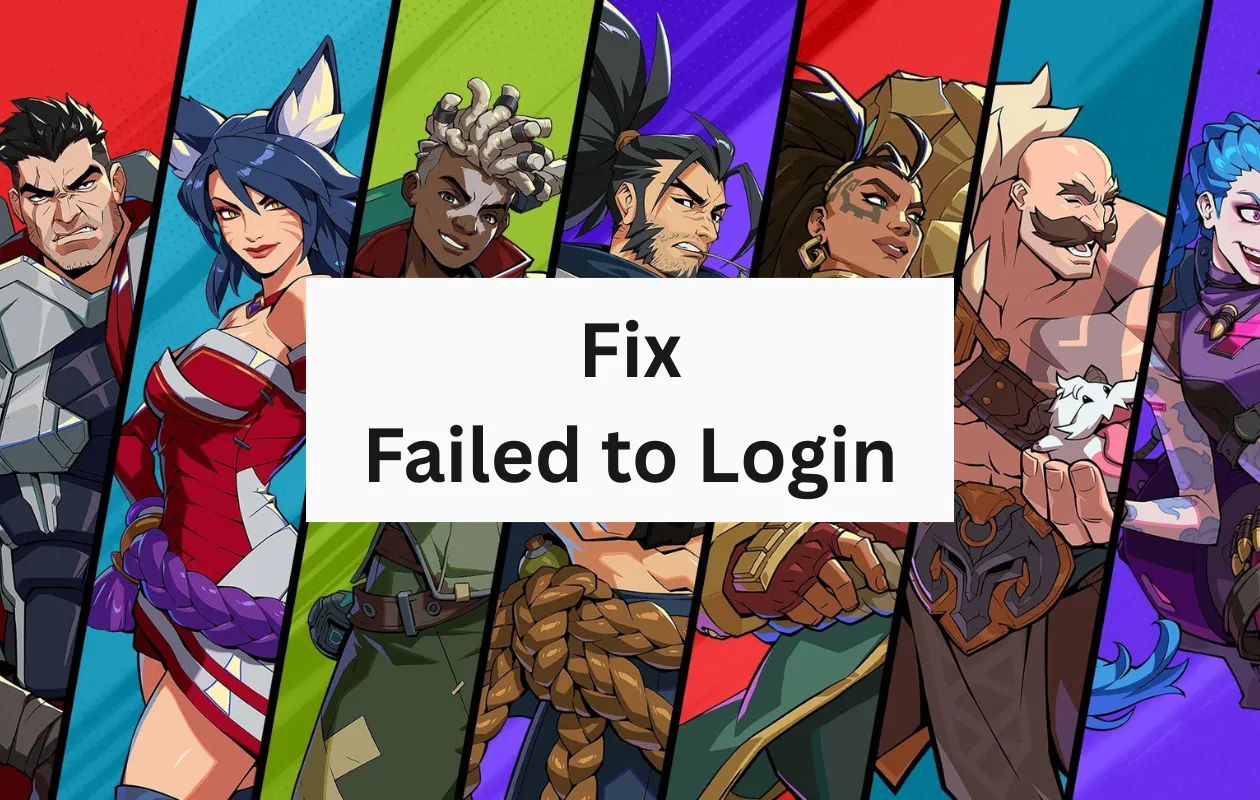
Riot Games has begun early access for one of its newest free-to-play games, 2XKO. For those who are unaware, 2XKO is a brand-new fighting game that has heroes, i.e., characters from the popular MOBA game, League of Legends. As you would expect from a free-to-play game going into early access, numerous players are waiting in line to join in and experience 2XKO for the first time.
However, there have been many issues popping up since the game went into early access on October 7, 2025. One of the biggest issues many players are facing right now is the error message from the game, reading “Failed to Log in” and the 2001 errors.
If you’re one of the many players who were excited to play 2XKO and have only been bombarded with these errors, you’ve come to the right place, which shows you how to solve these errors. Let’s get started.
Fixes for 2XKO Failed to Log in 2001 Error
As of now, two common errors are being displayed whenever players try to launch and play the game. The error messages are as follows:
- Failed to Log in (2001)
- RGIOP.PlayerAffinity.FailedToFetchAffinity
So, what do these errors mean? Well, both errors simply indicate that there is a loss in connection to the game’s server. Such errors are bound to appear in almost any game when there are way too many players who are trying to log in and play the game at the same time. These are also common for games that are in early access.
Now that you have an idea of why these error messages pop up and what they mean, it is time to dig into the steps that you can follow to solve these error messages in 2XKO.
Restart your PC and your Router
Yes, this seems like a vague suggestion, but it’s always good to restart both devices. You restart your PC because there could be a bug or a temporary issue with the game or the client itself. Meanwhile, the reason for restarting your router is to simply initiate a new connection between your PC, the internet, and the game’s server. Since the issue is mainly because of connection problems to the server, restarting your router can sometimes help solve this issue.
Test your Internet Connection
While there might be issues with connecting to the game’s servers, there can also be a possibility of your internet connection acting up. This can be in the form of slower internet speeds or difficulties with your internet service provider. So, perform an internet speed test to check if your internet connection is working as it should or if it’s slow.
Switch your VPN Off
Now, there’s no harm in using a VPN service when you are using the internet. However, when it comes to games and certain applications, VPN services tend to cause connection issues, which result in the game not being able to connect to the internet because of slow internet speeds while using a VPN. Completely turning off the VPN service on your PC should help solve the connection issues to the game’s servers.
Uninstalling the Game
Yes, uninstalling the game can also help resolve the connectivity issues between your PC and the game’s servers. It is recommended that if you had installed 2XKO during the early alpha or beta testing stages of the game, it is best to uninstall the game and then reinstall a fresh copy of the game. Follow these steps to uninstall the game
- Right-click on the Riot Games client icon on the Taskbar and select the Exit option.
- Open the Settings app on your Windows PC and click on Apps.
- Now, click on installed apps.
- Scroll till you find 2XKO and click on the three dots beside it.
- Click on the Uninstall button.
- Now, open the Run window by pressing the Windows and R keys on your keyboard.
- Type AppData in the text box and hit the Enter key.
- You will see three folders named Local, LocalLow, and Roaming
- Open each folder and delete folders that have anything to do with Riot Games and the 2XKO game.
Once you have completed the steps above, head over to the 2XKO page using your browser to sign in and download the Riot Games client to your PC. When the client has been installed and the game has been downloaded, sign in with your Riot Games account and launch 2XKOP. You should be able to log in and play your game right away.
Just Wait for a While
If the issue still arises, and you are unable to log in, it is recommended that you wait for a while and try logging back in at a later time. With such heavy traffic, there are times when the servers stop taking in new requests when they are overloaded. So having some patience is key. Additionally, Riot games have also stated that they are working on solving the issues related to logins for 2XKO, so hold on tight as they resolve the issues from their end.
2XKO Early Access: When Did It Begin?
Early access for the brand-new fighting game from Riot Games began on October 7, 2025. Here is a list of timings from around the globe that shows when the early access for 2XKO started.
- Brazil: 12:00 PM BRT
- Central Europe: 5:00 PM CEST
- Easter Australia 2:00 AM AEDT (next day, i.e., October 8)
- India: 8:00 PM IST
- Japan: 12:00 AM JST (next day, i.e., October 8)
- Philippines: 11:00 PM PHT (next day, i.e., October 8)
- United Kingdom: 4:00 PM BST
- US (East Coast): 11:00 AM PT
- US (West Coast): 8:00 AM PT
With these timings, you can have a rough idea of what times of the day the servers for 2XKO will be full or loaded, and you can accordingly play the game when you feel that the servers are less burdened.
System Requirements for 2XKO
If you plan on checking out and playing 2XKO on your PC, we have listed the minimum and recommended system requirements for the game. Check and see if your PC will be able to play the game.
Minimum System Requirements for 2XKO
- OS: Windows 10 64-bit
- RAM: 8 GB
- CPU: Intel i7 4790 or AMD equivalent
- GPU: Nvidia GeForce GTX 960 or AMD equivalent
- Storage Space: 30 GB (SSD recommended)
Recommended System Requirements for 2XKO
- OS: Windows 11
- RAM: 8 GB
- CPU: Intel i7 8700 or AMD equivalent
- GPU: Nvidia GeForce GTX 1060 or AMD equivalent
- Storage Space: 30 GB (SSD recommended)
2XKO Early Access Supported Platforms
As of now, you can enjoy early access to 2XKO only on PC via the Riot Games client. Early access for the Xbox Series X and S and the PlayStation 5 is under work in progress and will be coming soon at a later date.
This concludes the guide on how you can fix the 2XKO Failed to Log in 2001 Error messages. So, have you started playing 2XKO on your PC, or are you waiting until Riot Games solves the issues to play the game without any problems? Share your thoughts about the new fighting game, and if you played the alpha and beta tests for 2XKO, in the comments section below.
Also Check:
