

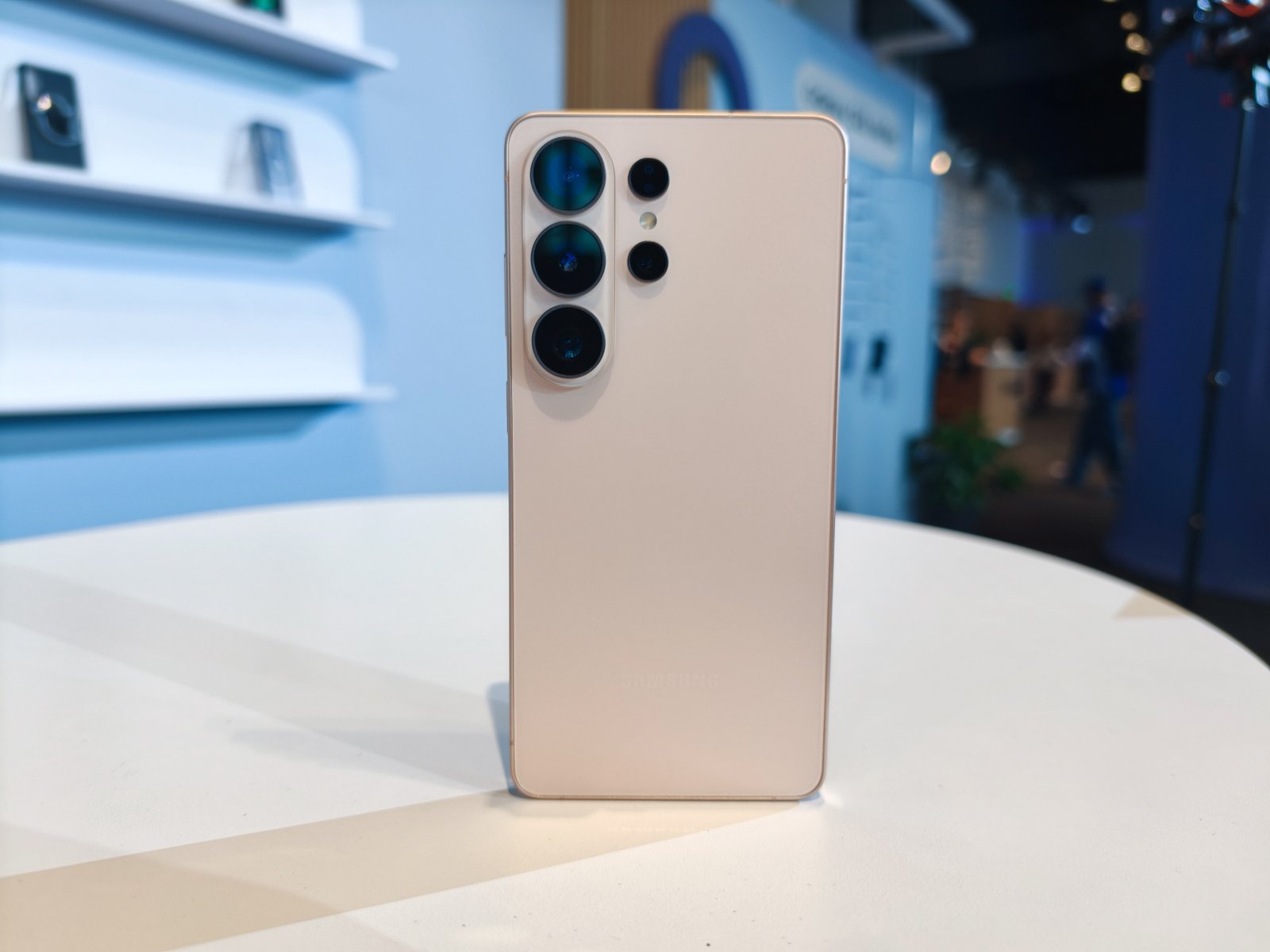
If you’ve been ignoring the notifications, this is your last call. Samsung Messages shutting down isn’t some distant deadline anymore, it’s happening any day now.
Samsung first announced the shutdown back in April, and the cutoff is finally close. The exact date varies by device, and Samsung says to check inside the Samsung Messages app for your specific one. Some reports point to July 6 as the date for a lot of users, though Samsung hasn’t confirmed that publicly.
Once the app shuts off, it stops sending and receiving texts entirely. The only exception is messages to emergency contacts and emergency services. Everything else routes through Google Messages instead.
Here’s the part that should ease some nerves. Samsung says your conversations transfer automatically to Google Messages once you make the switch. The company notes the transfer can take up to 24 hours depending on how much you’ve got saved.
Back Up Your Texts Anyway
Samsung Messages shutting down on schedule is one thing. Trusting an automatic migration to move years of conversations without a hitch is another. If you want a copy of your texts that doesn’t depend on the migration going smoothly, back them up yourself first.
Open Settings, then Accounts and backup, then tap Back up data. Samsung Cloud will save your messages along with your photos and contacts. You can also turn on Google’s own backup under Settings, then System, then Backup, which stores message data tied to your Google account.
Either way, do this before your device’s cutoff date hits, not after. It takes a few minutes, and it’s a lot less stressful than digging through old screenshots trying to remember what someone said in a group chat from three years ago.
Samsung Messages shutting down doesn’t have to mean losing anything. It just means you can’t put off the backup until the last minute.
