

Making memes usually requires some photo editing skills or at least a trip to a meme generator website. Google’s about to make that process a whole lot easier. The company is rolling out a new feature called “Me Meme” that uses AI to turn your selfies into popular meme templates.
The Google Photos meme AI feature lives in the Create tab, right alongside other tools like Animation and Photo to Video. You pick a meme template, select a clear selfie from your library, and let the AI do the rest. Google automatically maps your face onto classic formats like the “This is fine” dog meme.
The feature requires your photos to be backed up to Google Photos, since it relies on Gemini’s generative AI capabilities. Google suggests using well-lit selfies where your face is clearly visible for best results. The better the reference photo, the better the final meme will look.
It’s a simple process. Open Google Photos, tap Create, select Me Meme, choose your template, pick your photo, and hit generate. You can use photos of yourself, friends, or family members. The feature will likely start with a handful of templates, though Google hasn’t confirmed exactly how many will be available at launch.
Part of Google’s AI Push
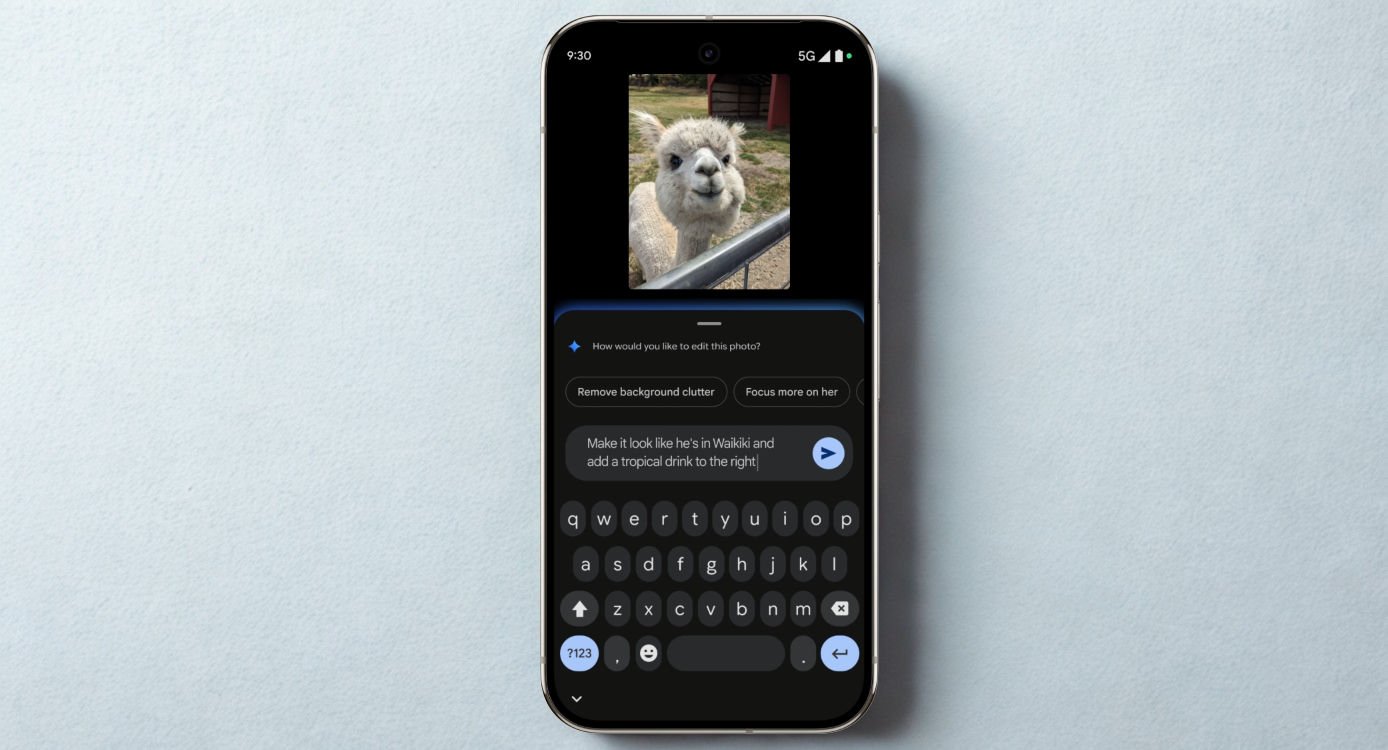
This meme generator is just the latest addition to Google Photos’ growing AI toolkit. The app already offers conversational editing, where you can just describe what you want changed in a photo. It’s got AI-powered sorting features that automatically group similar photos and organize screenshots.
The Me Meme feature is currently rolling out to Google Photos users in the US. Like other recent AI features such as Remix and Photo to Video, it’ll probably stay US-exclusive for a while before expanding to other regions. Google typically tests new AI capabilities with a limited audience first.
Whether this catches on depends on how well the AI can capture that rough, unpolished quality that makes memes work. Perfectly generated images might look too clean compared to the chaotic, low-effort aesthetic that defines meme culture. But for people who want to quickly insert themselves into trending formats without learning Photoshop, it’s a pretty convenient option.
