

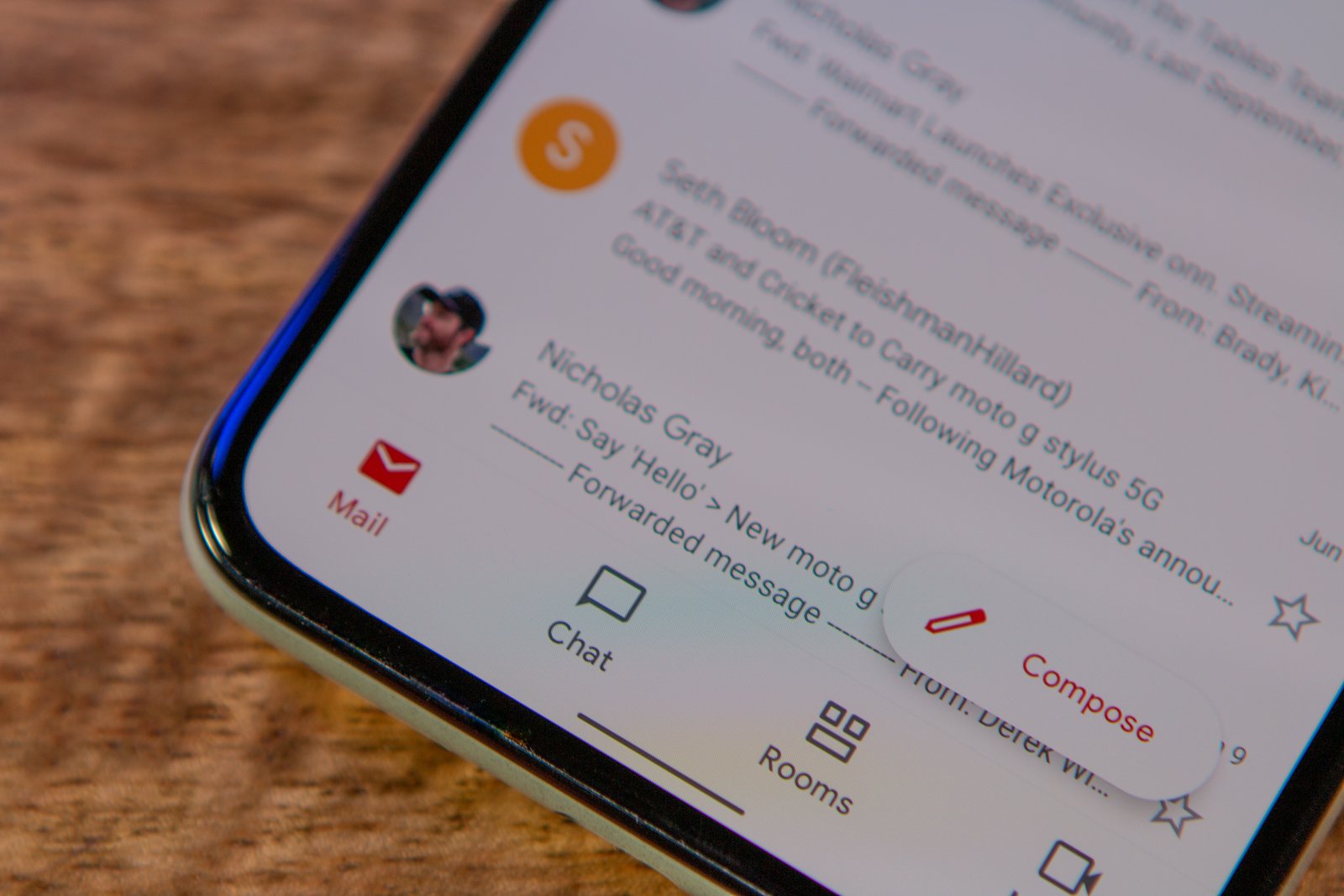
If you’ve ever wanted to organize your Gmail inbox on Android but couldn’t find the option to create new labels, you’re not alone. That feature has been missing from the Android app for years, even though it’s been available on desktop since forever and on iOS since 2019. Now, Google’s finally fixing that gap.
The Gmail app for Android is getting the ability to create and manage Gmail labels directly within the app. You’ll find a new “Create label” option in the hamburger menu at the top-left corner. Tap it, name your label, and you’re done. You can also edit or delete labels by going into Settings, selecting your email address, and tapping “Manage Labels.”
The rollout is happening gradually, so you might see it on one account but not another on the same device. Google hasn’t announced it officially yet, but multiple users have spotted the feature in recent versions of the app. There’s one thing missing, though—you can’t customize label colors yet. That’ll probably show up in a future update.
Why this took so long
Labels have been a core part of Gmail’s organization system for over a decade on desktop. They’re basically like folders, except you can slap multiple labels on a single email for more flexible sorting. The iOS app got label creation back in 2019, which made it extra weird that Android users were stuck opening a browser just to set up their inbox properly.
Google’s been testing this feature since December, so it’s been in the works for a while. It’s one of those quality-of-life improvements that should’ve been there from the start, similar to how the Gmail app recently added the ability to select all emails at once.
If you haven’t seen the feature pop up yet, make sure you’re running the latest version of the Gmail app. The rollout is still ongoing, so it might take a few more days to reach everyone. Once you’ve got it, you’ll finally be able to organize your inbox without needing to switch devices.
